

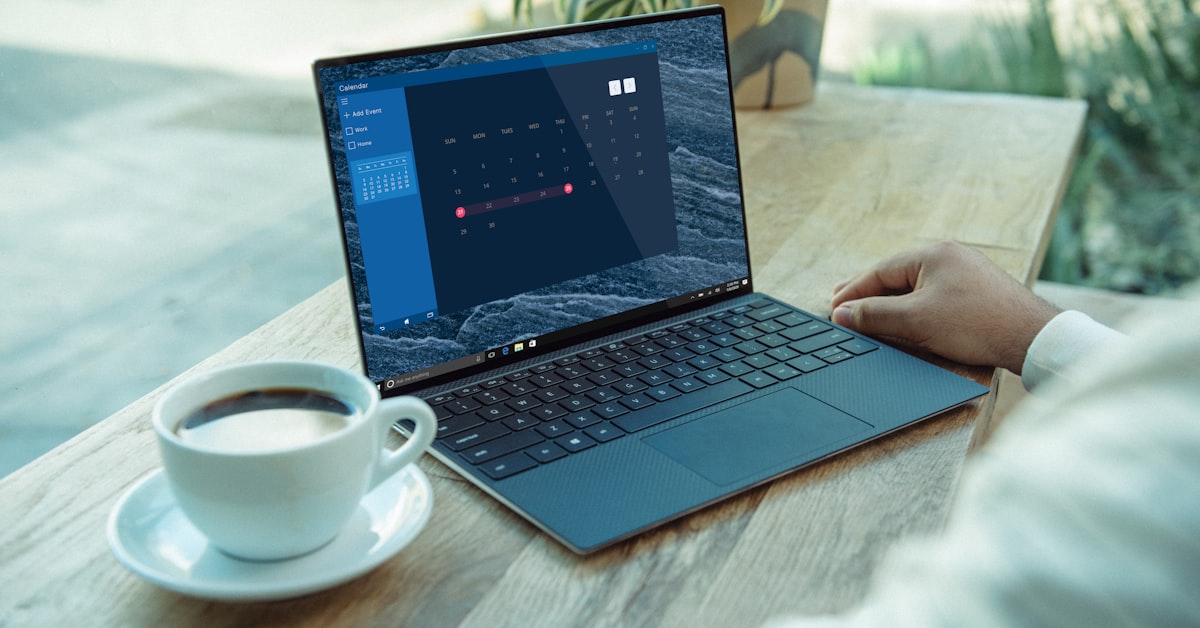
The best Dell laptop for business in 2026 is the Latitude 7450, which combines Intel Core Ultra vPro security, a sub-1.3kg carbon fiber chassis, and 34-hour rated battery life in a package that starts at $1,299. For buyers who need enterprise manageability without the premium price, the Latitude 5550 delivers the same vPro security platform, identical warranty options, and a larger 15.6-inch display starting at $899, with the tradeoff of a 1.85kg chassis. For a head-to-head comparison of how the Latitude 7450 stacks up against the ThinkPad X1 Carbon and HP EliteBook 840 G11 at the same price point, our Dell vs Lenovo vs HP business laptop comparison covers every spec dimension that matters for fleet buyers.
Dell has built business laptops since the Latitude line launched in 1994. Today the lineup covers five tiers, each targeting a distinct buyer profile. Understanding which tier fits your actual workload prevents you from paying $500 more than you need to for features that matter on paper but not in daily use. If you are not yet sure which specs actually drive real-world performance, our guide to which laptop specs actually matter cuts through the marketing noise on RAM, storage, and display resolution before you commit to a configuration.
Dell Business Laptop Lineup 2026: Full Comparison
Dell’s ProSupport Plus warranty is a significant part of the Latitude value proposition beyond the hardware specs. For a cross-brand comparison of post-purchase support quality, our tech customer service rankings score Dell, Lenovo, and HP on resolution time, warranty fulfillment speed, and return policy clarity.
| Model | Best For | Weight | Display | Max RAM | Battery | Starting Price |
|---|---|---|---|---|---|---|
| Latitude 5450 | Budget business | 1.52kg | 14″ FHD IPS | 32GB DDR5 | 54Wh | $799 |
| Latitude 5550 | Value all-rounder | 1.85kg | 15.6″ FHD IPS | 64GB DDR5 | 54Wh | $899 |
| Latitude 7450 | Premium portability | 1.26kg | 14″ QHD+ IPS | 64GB LPDDR5x | 58Wh | $1,299 |
| Latitude 9450 | Executive 2-in-1 | 1.35kg | 14″ 2K OLED touch | 32GB LPDDR5x | 49Wh | $1,799 |
| XPS 13 9340 | Ultrabook travelers | 1.17kg | 13.4″ FHD+ IPS/OLED | 64GB LPDDR5x | 55Wh | $1,099 |
| Precision 3591 | CAD/engineering | 1.98kg | 15.6″ FHD IPS | 96GB DDR5 | 86Wh | $1,349 |
Dell Latitude 5550: Best Value Business Laptop in 2026
The Latitude 5550 is the right buy for businesses deploying 10 or more units where per-seat cost matters. Intel Core Ultra 5 125U performance handles Office 365, Teams video calls, browser-based ERP systems, and light data work without thermal throttling. The 15.6-inch 1920×1080 IPS display is adequate for spreadsheet work and multi-window layouts. Dell’s ProSupport Plus warranty, available as an add-on, covers accidental damage including liquid spills, which matters in shared office environments.
The RAM is upgradeable via two SO-DIMM slots, with support up to 64GB DDR5. The M.2 2280 NVMe SSD is user-replaceable, which reduces IT department repair costs significantly compared to soldered configurations. For a repairability score and self-service breakdown of the Latitude and XPS lines, our right to repair guide for laptops covers iFixit scores, parts availability, and which components you can service without voiding Dell’s warranty. If you are managing a fleet and need a laptop that your team can service in-house for drive replacements or memory upgrades, the 5550 is the most cost-effective option in Dell’s lineup.
The limitation is weight. At 1.85kg, it is not a daily-commute laptop. If your team carries their machines between offices or to client meetings more than twice a week, move up to the Latitude 7450.
Dell Latitude 7450: Best Premium Business Laptop
The Latitude 7450 is built for professionals who travel weekly. At 1.26kg, it is lighter than the MacBook Air M3 (1.24kg) while adding Intel vPro manageability, Thunderbolt 4 on both USB-C ports, a full-size HDMI 2.1, two USB-A 3.2 Gen 1 ports, and an SD card reader. The port selection alone distinguishes it from ultrabooks that force you into dongles.
The 14-inch QHD+ IPS panel (2560×1600) at 60Hz covers 100% sRGB and 78% DCI-P3, which is sufficient for design review work alongside coding. Text clarity at native resolution is excellent for developers who split screens between an IDE and documentation. The anti-glare matte coating handles office lighting without the reflections that plague glossy OLED panels.
Battery life in practice on a corporate Wi-Fi workload (Teams, browser, Office) averages 11-13 hours, which covers a full workday without carrying a charger. Dell rates it at 34 hours under their own testing methodology, which is optimistic, but real-world performance is genuinely exceptional for the category.
Dell XPS 13 vs Latitude 7450: Which Business Ultrabook Wins?
The XPS 13 9340 starts $200 less than the Latitude 7450 but loses features that matter for business use. There is no USB-A port on the XPS 13, no SD card slot, no HDMI 2.1 output without a dongle, and no Intel vPro option. The XPS 13 is a consumer ultrabook that happens to run Ubuntu or Windows well. The Latitude 7450 is a certified business machine with enterprise manageability built in.
Choose the XPS 13 if you work primarily from one location and the thinner chassis (15mm vs 17mm) and OLED display option matter more than ports and manageability. Choose the Latitude 7450 if you travel, if your IT department uses SCCM or Intune for device management, or if you need Intel vPro Active Management Technology for remote access to the machine even when the OS is unresponsive. Our Dell XPS Developer Edition review covers the XPS line in detail for developers specifically.
Dell Precision 3591: When You Need a Workstation
The Precision 3591 targets engineers and architects running CAD, simulation, or ML inference workloads that exceed what Latitude processors handle. It ships with NVIDIA RTX 500 Ada or RTX 1000 Ada GPU options with ISV-certified drivers for AutoCAD, SolidWorks, and MATLAB. The 86Wh battery is the largest in Dell’s business lineup. RAM is user-upgradeable to 96GB DDR5 via two SO-DIMM slots.
If your work is in standard office productivity, Teams, and browser-based tools, the Precision is expensive overkill. The RTX GPU certification premium only pays off for applications that explicitly use NVIDIA’s professional driver stack. For developers running Docker, compiling code, or running ML inference on CPU, the Latitude 7450 is a better purchase at $500 less.
FAQ
What is the best Dell laptop for business use in 2026?
The best Dell laptop for business in 2026 is the Latitude 7450 for professionals who travel, offering a 1.26kg carbon fiber chassis, Intel vPro security, 11-13 hours real-world battery life, and a full port selection without dongles from $1,299. For budget-conscious businesses deploying multiple units, the Latitude 5550 delivers the same security platform at $899 with an upgradeable RAM configuration.
Does Dell Latitude come with vPro?
Dell Latitude laptops are available with Intel vPro configuration on the Core Ultra 5 vPro and Core Ultra 7 vPro processor options. vPro must be selected at purchase because it requires a specific processor SKU. The Latitude 5450, 5550, 7450, and 9450 all have vPro-enabled processor options. The XPS line does not offer vPro.
Is Dell Latitude RAM upgradeable?
RAM upgradeability depends on the model. The Latitude 5450 and 5550 use SO-DIMM slots, making RAM user-upgradeable up to 64GB DDR5. The Latitude 7450 and 9450 use soldered LPDDR5x RAM, which cannot be upgraded after purchase. Choose your RAM configuration carefully at order time for soldered models. Maximum available RAM is 64GB on most Latitude 7000-series configurations.
How does Dell Latitude compare to ThinkPad for business?
Dell Latitude and Lenovo ThinkPad are the two dominant enterprise laptop lines. ThinkPad wins on keyboard quality (1.5mm travel vs 1.3mm on Latitude) and Linux community support. Dell Latitude wins on out-of-box Ubuntu certification, ProSupport response time in North America and Western Europe, and display quality on the 7450 QHD+ panel. For Linux deployment specifically, the Latitude 7450 is easier to configure than equivalent ThinkPad X1 Carbon models.
What warranty should I get on a Dell business laptop?
For business laptops, select ProSupport Plus as the minimum warranty tier. ProSupport Plus includes next-business-day on-site service, accidental damage protection covering liquid spills and drops, and Keep Your Hard Drive at end of service. Basic ProSupport is next-business-day parts-only without accidental damage. Standard warranty (1 year, mail-in) is insufficient for any professional deployment where downtime has a cost.