

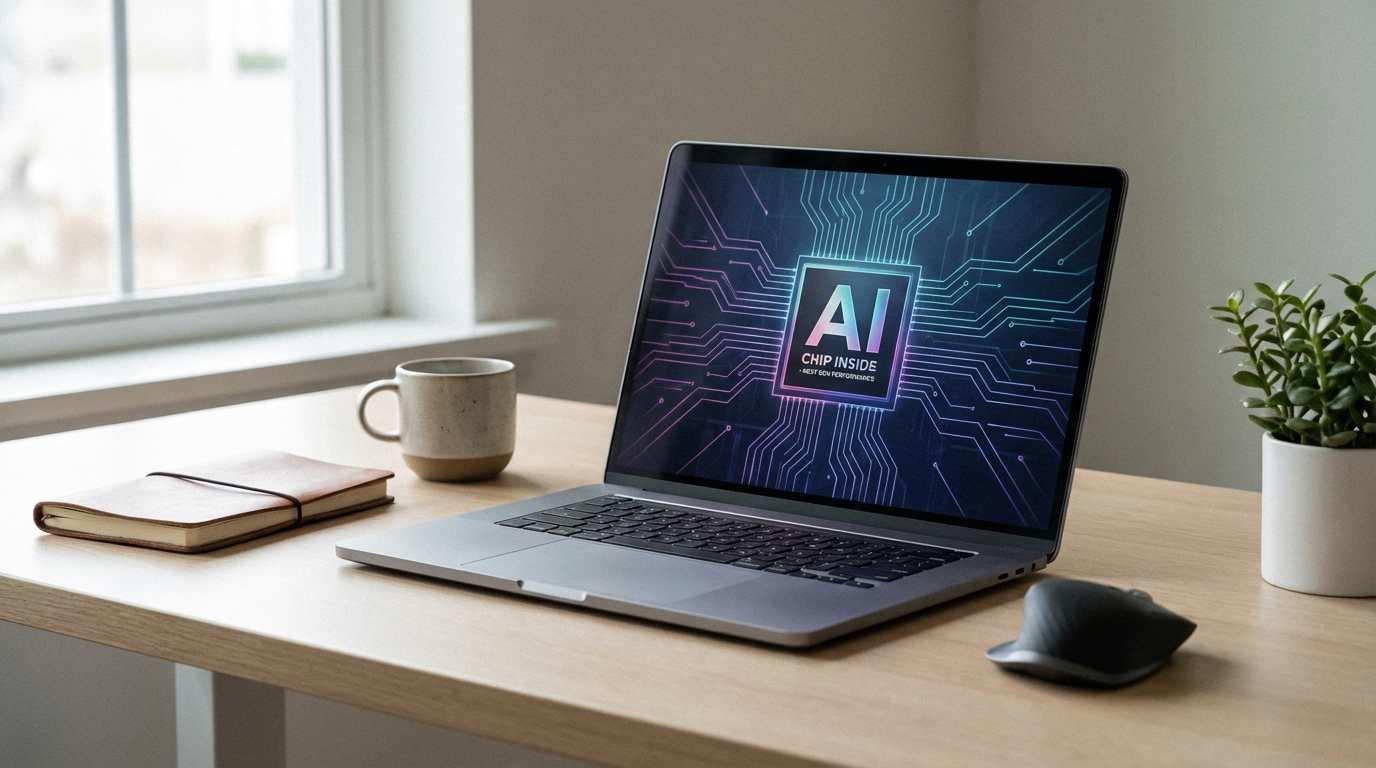
A Copilot Plus PC is a category of Windows 11 computer defined by Microsoft in May 2024, requiring a Neural Processing Unit (NPU) capable of at least 40 TOPS (Tera Operations Per Second) of sustained AI inference, a minimum of 16 GB RAM, and 256 GB of storage. These hardware thresholds gate access to a specific set of on-device AI features that standard Windows 11 machines cannot run. The premium over a comparable non-Copilot Plus machine typically runs $150 to $400 depending on brand and configuration.
Every major laptop manufacturer now sells Copilot Plus hardware, and yet enterprise IT adoption sits at roughly 3.3% of deployed Windows fleets. That gap between marketing volume and actual deployment tells you something worth understanding before you approve a refresh cycle or hand your finance team a hardware proposal.
This article covers what the designation actually means, which features hold up in real work conditions, how the NPU differs from a GPU at the silicon level, real-world benchmark context, a comparison of current models, the M365 Copilot subscription question, and an honest read on whether the premium makes sense for your specific situation.
What Is a Copilot Plus PC?
A Copilot Plus PC is a hardware classification introduced by Microsoft at Build 2024. To carry the label, a device must meet three mandatory thresholds: an NPU delivering 40 or more TOPS, at least 16 GB of RAM, and 256 GB of local storage with at least 50 GB free (the storage requirement exists specifically for the Recall feature’s local index). Any device falling below the 40 TOPS NPU floor runs Windows 11 but cannot access the Copilot Plus feature set.
The first devices to ship with the designation used Qualcomm Snapdragon X Elite and Snapdragon X Plus chips, both of which include a 45 TOPS NPU. AMD Ryzen AI 300 series followed with an NPU rated at 50 TOPS, and Intel’s Core Ultra 200V (Lunar Lake) series arrived with a 48 TOPS NPU. As of early 2026, the certification covers ARM and x86 architectures, though software compatibility continues to vary across both.
The designation is a software unlock, not just a hardware badge. Microsoft ties specific Windows 11 features to the NPU capability check. A machine with a 39 TOPS NPU will not display the Copilot Plus feature set in Windows Settings regardless of how capable the rest of the system is. This is a deliberate architectural decision: on-device AI inference runs on the NPU to avoid GPU contention and preserve battery life.
For IT decision-makers, the practical implication is straightforward: you are not buying a laptop that is faster at traditional tasks. You are buying access to a specific suite of AI-assisted features, some of which require additional Microsoft subscriptions to reach their full capability.
Copilot Plus Features That Actually Work
Microsoft announced roughly a dozen features at launch. The ones that have proven genuinely useful in enterprise and prosumer testing are not uniformly distributed across that list.
Live Captions with real-time translation is the most consistently praised feature in enterprise contexts. It transcribes and translates audio from any source into on-screen text in real time, using the NPU entirely locally, supporting over 40 languages. For global organizations running multilingual calls, this works without a network connection and without routing audio through a cloud service. Legal and compliance teams treating call content as sensitive data have found this valuable.
Windows Studio Effects processes webcam feed on the NPU for automatic framing, background blur, eye contact correction, and noise suppression. These functions offload processing that would otherwise consume GPU cycles or run on a cloud endpoint. On a laptop without an NPU, these effects either strain the CPU or require a third-party application like NVIDIA Broadcast. The Studio Effects implementation on Copilot Plus hardware runs at lower power draw with comparable quality.
Cocreator in Paint and Restyle in Photos are on-device generative image tools. They function without an internet connection, which matters for regulated industries where data residency policies prohibit cloud image processing. The output quality is competitive with consumer-grade cloud tools for basic tasks.
Recall remains the most discussed and most contested feature. It creates a searchable, locally stored timeline of your screen activity, allowing natural-language queries like “find that PDF about Q3 budget from last Tuesday.” Microsoft delayed its general rollout multiple times following security research that identified vulnerabilities in the initial implementation. As of early 2026, Recall requires Windows Hello biometric authentication for access and stores its index in an encrypted container. Whether your organization’s security policy permits this kind of local activity logging is a decision that needs IT and legal review, not just a hardware procurement decision.
Click to Do, which provides contextual AI actions on selected screen content, and AI-powered search in Windows have received more mixed assessments. Both features work but neither delivers the kind of workflow acceleration that justifies the hardware premium on its own.
NPU vs GPU: What the Hardware Difference Actually Means
The NPU and GPU perform fundamentally different types of computation, optimized for different workloads. Understanding the distinction matters because a common misconception holds that an NPU is simply a smaller or lower-power GPU. It is not.
A GPU is designed for massively parallel floating-point computation with high memory bandwidth. It excels at rendering, training large models, running large-batch inference, and any workload that benefits from executing thousands of similar operations simultaneously. A discrete GPU in a workstation-class laptop consumes 60 to 150 watts under load.
An NPU is a fixed-function accelerator designed specifically for transformer and matrix-multiply operations common in modern AI inference. It runs smaller models continuously at very low power, typically 1 to 5 watts. The Qualcomm Snapdragon X Elite‘s 45 TOPS NPU consumes roughly 1.4 watts during sustained inference workloads based on Qualcomm’s published efficiency data. A GPU running the same inference task would consume 20 to 40 times more power.
This efficiency gap is why the Copilot Plus feature set runs on the NPU rather than the GPU. Background tasks like Recall’s continuous screen indexing, Studio Effects during a video call, or Live Captions transcription running in parallel with your other applications cannot realistically draw on the GPU without creating thermal throttling, fan noise, and battery drain that would make the laptop unusable as a portable device.
The trade-off is model size. An NPU at 40 to 50 TOPS runs quantized models in the 1 billion to 7 billion parameter range efficiently. It cannot run the large language models that power GPT-4-class experiences. Those still require cloud inference or a discrete GPU. So the NPU handles ambient, always-on AI assistance; the cloud handles conversational AI and complex generation. They are complementary, not interchangeable.
For enterprises evaluating the hardware, the relevant question is whether the specific tasks your users perform are in the NPU-appropriate category. Real-time transcription, background processing, and local image inference: yes. Running local LLMs for code completion or document generation at GPT-4 quality: no, regardless of NPU TOPS count.
Real-World Performance Tests
Independent testing from multiple sources in 2024 and 2025 tells a consistent story about where the Copilot Plus premium pays off and where it does not.
Forbes Moorside testing of the first Snapdragon X Elite Copilot Plus wave reported “stellar performance and great battery life” but noted that the AI features required specific software support that many productivity applications had not yet implemented. Battery life in that testing ran 15 to 22 hours under mixed workloads, substantially better than Intel 12th and 13th generation equivalents in the same form factors.
The Qualcomm Snapdragon X Elite in Microsoft Surface Pro 11 and Samsung Galaxy Book4 Edge configs delivered Cinebench R23 multi-core scores in the 14,000 to 15,500 range, competitive with Intel Core Ultra 7 155H but below AMD’s Ryzen 9 8945HS. For office productivity workloads, the performance delta versus Intel 14th generation is narrow enough to be task-dependent rather than consistently measurable.
ARM architecture compatibility remains a genuine constraint. Applications that rely on x86 32-bit code do not run on Snapdragon X devices. Microsoft’s x64 emulation layer handles most 64-bit applications adequately, though with a measurable performance penalty on compute-intensive software. If your users run legacy line-of-business applications or engineering software compiled for x86, the AMD Ryzen AI 300 or Intel Core Ultra 200V variants of Copilot Plus hardware avoid this problem entirely at the cost of slightly lower NPU efficiency.
Battery life across all tested Copilot Plus devices in 2025 outpaced comparable Intel 14th generation competitors by 25 to 40 percent in productivity workloads. This is the clearest, most consistently reproduced advantage of the NPU-centric design. For users who need a full workday without a charger, the Copilot Plus machines from multiple manufacturers now set the benchmark.
Laptop Comparison: Current Copilot Plus Models
| Model | Chip | NPU (TOPS) | Starting Price (USD) | Battery (Est.) | ARM/x86 |
|---|---|---|---|---|---|
| Microsoft Surface Pro 11 | Snapdragon X Elite / X Plus | 45 | $1,299 | 14-18 hr | ARM |
| Samsung Galaxy Book4 Edge | Snapdragon X Elite | 45 | $1,449 | 16-22 hr | ARM |
| ASUS Vivobook S 15 (Ryzen AI) | AMD Ryzen AI 9 HX 370 | 50 | $1,199 | 12-16 hr | x86 |
| HP OmniBook X 14 | Snapdragon X Elite | 45 | $1,299 | 15-20 hr | ARM |
| Dell XPS 13 9350 | Intel Core Ultra 7 258V | 48 | $1,499 | 12-15 hr | x86 |
| Lenovo ThinkPad T14s Gen 6 | AMD Ryzen AI 7 Pro 360 | 50 | $1,349 | 13-17 hr | x86 |
| Lenovo Yoga Slim 7x | Snapdragon X Elite | 45 | $1,399 | 14-19 hr | ARM |
For enterprise procurement, the Lenovo ThinkPad T14s Gen 6 and Dell XPS 13 9350 are the most relevant options because both use x86 chips, which eliminates application compatibility risk. If your organization has already standardized on Dell hardware and has an existing fleet management relationship, the Dell XPS 13 9350 with Intel Core Ultra 7 258V integrates into existing deployment pipelines without architecture-related changes to software packaging or MDM configurations. Our full analysis of current business laptops across Dell, Lenovo, and HP is in the Dell vs Lenovo vs HP business laptops comparison if you want a broader head-to-head that includes non-Copilot Plus configurations.
Price spread between Copilot Plus and a comparable non-Copilot Plus machine in the same family runs $150 to $350 at the $1,200 to $1,500 price point. Understanding which specs justify that delta is covered in depth in our laptop buying guide focused on specs that actually matter.
The M365 Copilot $30/Month Question
Buying a Copilot Plus PC does not include Microsoft 365 Copilot. The two products share a brand name and some surface-level AI framing, but they are entirely separate purchases with separate value propositions.
Microsoft 365 Copilot is a software subscription at $30 per user per month, layered on top of an existing M365 Business or Enterprise license. It connects to your Microsoft 365 tenant data (emails, documents, Teams conversations, SharePoint) and uses cloud-hosted LLMs to answer questions, draft content, and summarize information. It has nothing to do with your machine’s NPU. It runs identically on a five-year-old laptop with 8 GB of RAM as on the newest Copilot Plus device.
For a 100-person team, the $30/month subscription adds $36,000 per year before factoring in the data governance work that a successful M365 Copilot deployment requires. According to a June 2025 Gartner survey cited by multiple enterprise technology analysts, 60% of enterprises had started Copilot pilots, but only 6% had moved those pilots into production. Just 1% had completed company-wide deployment. Data security concerns were the primary barrier cited by 64% of IT leaders surveyed.
Forrester’s commissioned analysis for Microsoft reported a 116% ROI over three years for a 25,000-employee enterprise, with approximately $20 million in net present value. That figure is real but requires scrutiny: it assumes successful adoption, adequate SharePoint governance before deployment, and sufficient change management investment. Organizations that skip the data remediation step frequently find that M365 Copilot surfaces documents employees should not see because permissions had drifted over years of SharePoint use.
The $30/month question and the Copilot Plus PC question are independent decisions. You can subscribe to M365 Copilot without buying new hardware. You can buy Copilot Plus hardware without subscribing to M365 Copilot. Conflating the two, which vendor sales materials frequently encourage, inflates the perceived value of both.
If you are concerned about subscription creep affecting your technology budget, the broader pattern is worth reviewing. Our analysis of recurring tech charges and how to audit them before they compound covers the decision framework for evaluating software subscriptions against actual usage data.
Enterprise Adoption Reality: Why Only 3.3% of Fleets Have Gone All-In
Microsoft reported 15 million paid M365 Copilot seats as of early 2026, against approximately 450 million paid Microsoft 365 commercial seats globally. That is a 3.3% penetration rate. The number is frequently cited to argue either that the market is untapped or that adoption is struggling. Both interpretations contain some truth.
Copilot Plus PC hardware adoption within enterprise Windows fleets is even lower. Hardware refresh cycles in enterprise typically run three to five years. Most organizations are mid-cycle on Intel 12th or 13th generation hardware purchased in 2022 and 2023. The business case for accelerating that refresh specifically to get NPU capability has not cleared the hurdle rate at most IT finance desks.
The organizations that have moved fastest on Copilot Plus hardware share a few characteristics: they were already planning a Windows 11 migration refresh for other reasons, they have high concentrations of knowledge workers doing multilingual communication (the Live Captions case), or they operate in regulated environments where on-device AI processing addresses data residency requirements that cloud-based alternatives cannot.
For IT administrators managing a fleet, the more pressing question is whether the Copilot Plus features that do not require an NPU, specifically the cloud-based M365 Copilot capabilities, can deliver ROI on existing hardware before committing to an NPU-driven hardware cycle. In most cases, the answer is yes. Pilot M365 Copilot on existing hardware first. Measure actual productivity gains against your specific user workflows. Use that data to inform the hardware decision when your natural refresh cycle arrives.
Organizations looking at Windows 11 migration should note that the non-AI motivations for upgrading, security baseline, Microsoft support lifecycle, and hardware depreciation, often justify a refresh on their own. If you are already refreshing, buying Copilot Plus-capable hardware at a $200 to $300 premium per device is a reasonable hedge on future AI feature support. If you are not refreshing, the NPU case alone rarely closes the financial argument.
Should You Pay the Copilot Plus Premium?
The premium makes sense under specific conditions. It does not make sense as a blanket fleet upgrade driven by AI marketing.
Pay the premium if your users are heavy video call participants who will benefit from Studio Effects running natively without GPU load. Pay it if your organization handles multilingual communication and Live Captions replaces a paid third-party transcription service. Pay it if you operate in a regulated industry where on-device AI processing addresses data residency requirements that cloud services cannot meet. Pay it if you are refreshing hardware anyway and the $200 to $300 delta per device is a reasonable hedge against the next three to four years of AI feature development.
Do not pay the premium if you are buying new hardware purely to run M365 Copilot, since it works on existing machines. Do not pay it if your users run legacy x86 applications that will perform worse on ARM-based Snapdragon devices without thorough compatibility testing first. Do not pay it if the Copilot Plus feature that drove the purchase decision, most commonly Recall, conflicts with your organization’s security policy or is blocked by group policy in your deployment environment.
Windows 11 group policy allows administrators to disable Copilot in Windows 11 entirely, which some organizations have done as a matter of policy while evaluating AI governance frameworks. If your organization is in that category, buying Copilot Plus hardware to access features you will immediately disable is a clear budget misallocation.
The most defensible procurement position for 2026 is: prioritize Copilot Plus hardware at next natural refresh, select x86 variants unless ARM compatibility has been explicitly validated for your software stack, pilot M365 Copilot on existing hardware before committing to the subscription at scale, and evaluate Recall only after your legal and security teams have assessed the local activity logging implications.
Frequently Asked Questions About Copilot Plus PCs
What is the minimum NPU requirement for a Copilot Plus PC?
A Copilot Plus PC requires an NPU capable of at least 40 TOPS (Tera Operations Per Second). Microsoft introduced this threshold in May 2024 to gate access to on-device AI features including Recall, Live Captions with real-time translation, and Windows Studio Effects. Devices with NPUs below this threshold cannot enable the Copilot Plus feature set regardless of other hardware specifications.
Does buying a Copilot Plus PC include Microsoft 365 Copilot?
No. A Copilot Plus PC and Microsoft 365 Copilot are separate products. The hardware designation unlocks on-device AI features in Windows 11. Microsoft 365 Copilot is a separate subscription at $30 per user per month that provides cloud-based AI assistance within Office applications. You do not need Copilot Plus hardware to use M365 Copilot, and buying the hardware does not include the subscription.
Can I disable Copilot features on a Copilot Plus PC?
Yes. Windows 11 group policy allows administrators to disable Copilot and Recall independently. Organizations with data governance policies that prohibit local activity logging can disable Recall via MDM or group policy during device enrollment. The device continues to function normally as a Windows 11 machine; only the Copilot Plus feature set is suppressed.
Is a Copilot Plus PC faster than a standard Windows laptop?
For traditional computing tasks, the performance difference depends on the chip rather than the Copilot Plus designation itself. The NPU handles AI-specific workloads; it does not accelerate web browsing, spreadsheet calculations, or software compilation. Copilot Plus devices based on Snapdragon X Elite or AMD Ryzen AI 300 chips show strong multi-core CPU performance, but the NPU is a parallel processor that only activates for qualifying AI inference tasks.
What is the difference between an NPU and a GPU in a laptop?
A GPU is optimized for parallel floating-point computation and excels at graphics rendering, large-model training, and batch inference at high power draw. An NPU is a fixed-function accelerator designed for the specific matrix operations used in transformer-based AI inference, running at 1 to 5 watts during sustained workloads. The NPU handles small, continuous AI tasks efficiently; the GPU handles large, burst-compute tasks. They serve different workload profiles and are not interchangeable.
Which Copilot Plus PC is best for enterprise use?
For enterprise environments where application compatibility is a priority, the Lenovo ThinkPad T14s Gen 6 (AMD Ryzen AI 7 Pro 360) and Dell XPS 13 9350 (Intel Core Ultra 7 258V) are the strongest options because both use x86 architecture. This eliminates the application compatibility risks associated with ARM-based Snapdragon variants and integrates with existing x86-based MDM workflows, software packaging, and fleet management tooling.
If you are building a hardware refresh proposal, the questions above are the ones that will come up in procurement review. Getting clear answers before the purchase order is easier than addressing them after a fleet of Copilot Plus machines arrives at the loading dock.