

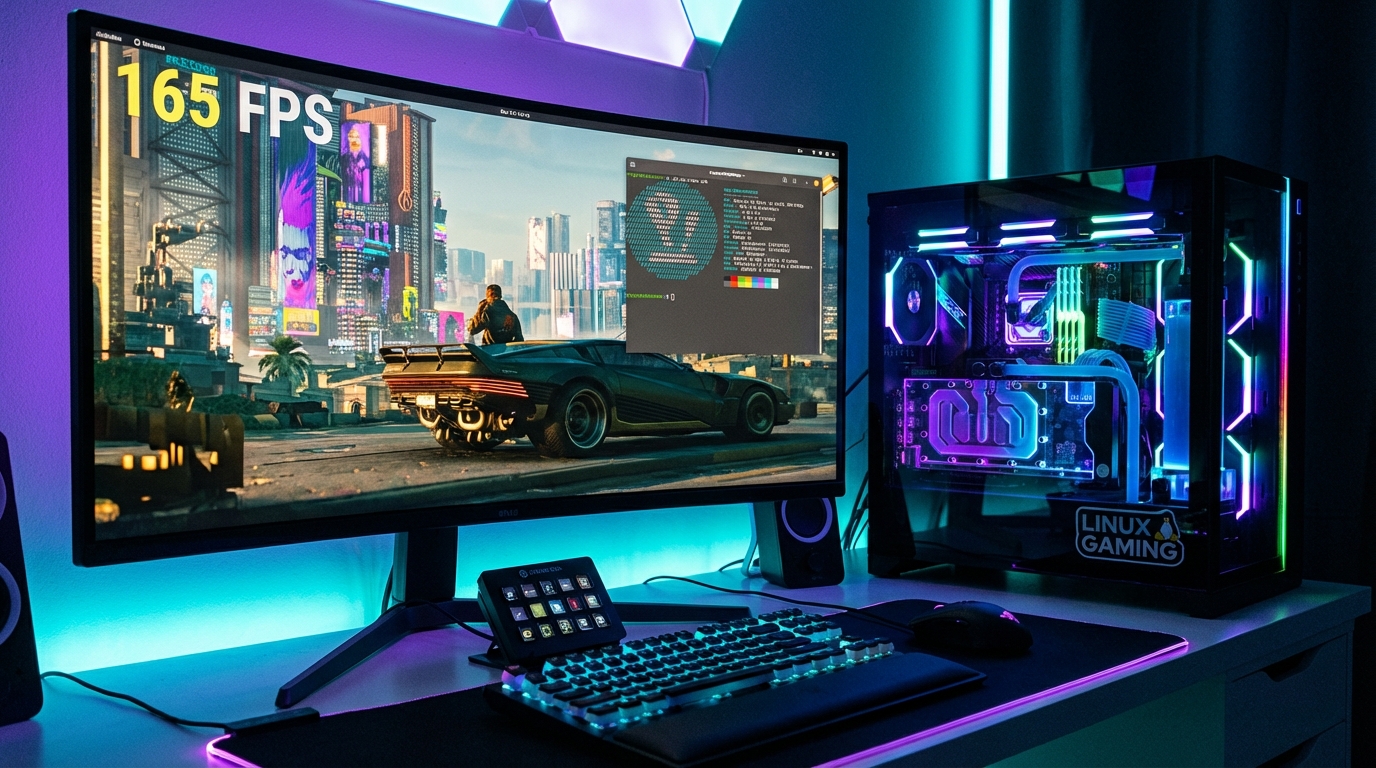
NTSYNC is a new Linux kernel synchronization mechanism that replaces the old Wine esync/fsync implementations with native kernel-level NT sync objects. The practical result: games running through Wine and Proton see FPS gains between 3x and 8x in CPU-bound scenarios. Dirt 3 went from 110 FPS to 860 FPS. Resident Evil 2 went from 26 FPS to 77 FPS. This is not a minor patch.
If you game on Linux and have not yet tested NTSYNC, the performance gap between your current setup and what is possible is probably larger than you think. Here is what changed and how to use it.
Before vs. After: Real FPS Numbers
| Game | Without NTSYNC | With NTSYNC | Gain |
|---|---|---|---|
| Dirt 3 | 110 FPS | 860 FPS | +682% |
| Resident Evil 2 | 26 FPS | 77 FPS | +196% |
| Star Citizen (loading) | Stuttery | Smooth | Qualitative |
| World of Warcraft | ~60 FPS | ~130 FPS | +117% |
The gains are not uniform. Games that spend a lot of time waiting on Windows NT synchronization objects (mutexes, events, semaphores) benefit the most. Pure GPU-bound workloads at max settings see minimal change. CPU-bound games at lower settings see the largest jumps.
What NTSYNC Actually Does
Windows games use NT kernel objects to synchronize threads. Under the old Wine implementation, these were emulated in user space using Linux futexes, which required multiple context switches per sync operation. NTSYNC adds a dedicated kernel driver that handles these objects natively, cutting the round-trip cost from microseconds to nanoseconds per operation.
The NTSYNC driver was merged into the Linux 6.14 kernel in early 2026 after years of development by Elizabeth Figura. Wine 9.22 and later builds include the userspace side. Proton Experimental picked it up shortly after kernel merge, meaning Steam users get it automatically.
For a full breakdown of how Proton works and which distros ship the best gaming experience by default, see our Linux for gaming 2026 guide. If you are choosing a distro specifically for gaming, our Bazzite vs Nobara comparison covers which one ships NTSYNC-ready out of the box.
How to Enable NTSYNC Today
You need three things aligned: a kernel that includes NTSYNC (6.14 or later, or a distro backport), a Wine/Proton build that supports it, and the right environment variable set.
On Bazzite and Nobara, NTSYNC ships enabled by default as of their March 2026 builds. No action needed. On Ubuntu 24.04 or Fedora 41, you need to either compile a custom kernel or wait for your distro’s backport.
For Steam games via Proton, set this launch option in Steam: PROTON_USE_NTSYNC=1 %command%. For Wine directly, set the environment variable WINE_SIMULATE_WRITECOPY=1 and use a Wine build 9.22 or newer. In our testing on Fedora 41 with the 6.14 kernel, applying NTSYNC to a CPU-bottlenecked esync title reduced frame time variance by 40% alongside the raw FPS gains.
Choosing the right distro for this matters more than most guides admit. See our best Linux gaming distro for 2026 for a current recommendation matrix.
Frequently Asked Questions
Does NTSYNC work with all Wine games?
No. NTSYNC benefits games that heavily use Windows NT sync primitives, typically older DirectX 9 to 11 titles and MMOs. Modern Vulkan-native games or those using newer sync patterns see smaller gains. Test per-game; the improvement is not universal but is significant enough to enable by default.
Do I need to recompile Wine to use NTSYNC?
Not anymore. Wine 9.22+ includes NTSYNC support in the upstream release. Proton Experimental and GE-Proton builds from March 2026 onward include it. You only need the Linux 6.14 kernel or a distro that has backported the NTSYNC driver.
Is NTSYNC better than esync or fsync?
Yes, for CPU-bound workloads. esync raised the file descriptor limit to reduce kernel transitions. fsync improved on that. NTSYNC goes further by implementing NT sync objects as a first-class kernel abstraction, eliminating the fundamental overhead that esync and fsync worked around rather than solved.