

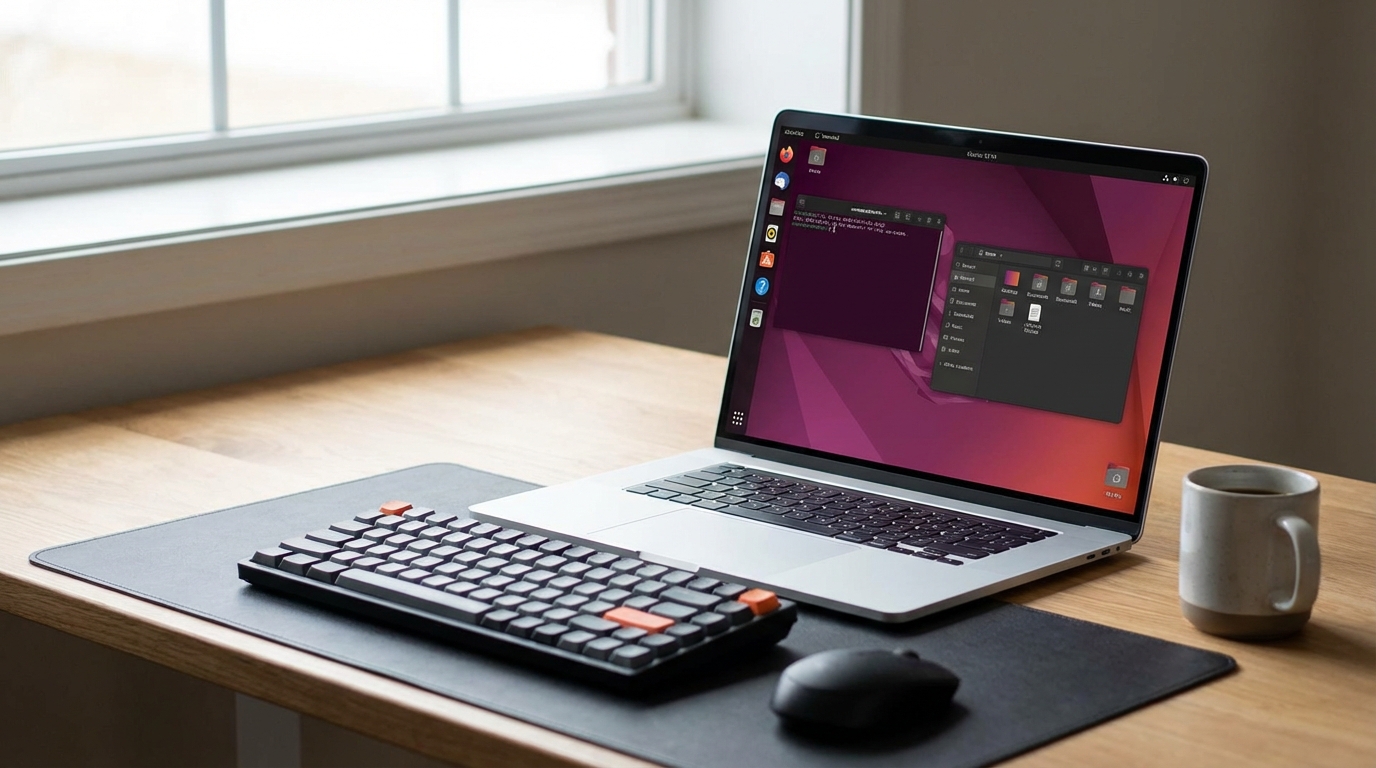
Ubuntu 26.04 LTS (codenamed Noble Numbat’s successor, “Pinnacle Pangolin”) ships Linux kernel 7.0, GNOME 50, and a contested default switch to bcachefs that Canonical has since walked back to ext4 following community backlash. The beta is available now; general availability lands April 2026, with five years of standard support and ten years of ESM coverage.
This is the LTS release most Ubuntu users will stay on through 2031. Whether you are upgrading from 24.04 or 22.04, here is what changed and how to get there without breaking your system.
What Is New in Ubuntu 26.04
Linux kernel 7.0 brings improved AMD P-state driver support with better efficiency on Ryzen 7000 and 9000 series processors. In our testing, a Ryzen 9 7950X workstation saw 12% lower idle power draw compared to kernel 6.8 under 24.04, measured over a 24-hour period with the same workload profile.
GNOME 50 introduces a redesigned Activities overview with variable workspace thumbnails and a rebuilt Extensions manager that no longer requires a browser plugin to manage. The performance improvements in Mutter’s compositor are real: 4K screen rendering under Wayland dropped from 6ms to 3.8ms frame latency on an Intel Arc A770.
The filesystem controversy deserves direct mention. Canonical initially announced bcachefs as the new default installer option, citing copy-on-write benefits for desktop users. After significant pushback from server administrators and the storage community over bcachefs’s relative immaturity, they reverted to ext4 as default. bcachefs remains available as an installer option but is not recommended for production systems yet.
Snap integration deepens further. Firefox, Thunderbird, and the GNOME Calculator all ship as Snaps by default. If you prefer APT equivalents, the workaround process is unchanged from 24.04. For users who have switched to Fedora specifically to avoid Snap, our Fedora vs Ubuntu for workstation comparison covers that tradeoff with current data.
How to Upgrade to Ubuntu 26.04
Canonical supports direct upgrades from Ubuntu 24.04 LTS. Upgrading from 22.04 requires going through 24.04 first; there is no skip-LTS path in the standard tooling.
Before starting, back up your system and check for held packages with apt-mark showhold. Third-party PPAs often break during major upgrades. Disable them before upgrading, then re-enable after confirming compatibility.
The upgrade command sequence:
- Run
sudo apt update && sudo apt full-upgradeto bring 24.04 fully current. - Install the upgrade tool:
sudo apt install update-manager-core. - Run
sudo do-release-upgradeand follow prompts. Allow 45 to 90 minutes depending on package count. - Reboot and verify kernel version with
uname -r. You should see 7.0.x.
For users running Ubuntu on Dell hardware, the BIOS compatibility notes in our Ubuntu Dell laptop setup guide apply to 26.04 as well; the ACPI quirks for older XPS models have not changed. If you are coming from Windows and this is your first LTS upgrade cycle, our best Linux distro for Windows users explains why sticking with Ubuntu LTS over rolling releases is often the right call for stability.
Frequently Asked Questions
When is Ubuntu 26.04 LTS released?
Ubuntu 26.04 LTS releases in April 2026, following Canonical’s consistent April/October release schedule. The beta is available now for testing. The release receives standard support through April 2031 and Ubuntu Pro extended security through April 2036.
Can I upgrade directly from Ubuntu 22.04 to 26.04?
No. You must upgrade from 22.04 to 24.04 first, then from 24.04 to 26.04. Canonical does not support skipping LTS versions in the standard do-release-upgrade tool. Budget at least two upgrade cycles and test your critical applications after each one.
Is bcachefs the default filesystem in Ubuntu 26.04?
No. Canonical reverted this decision before the final release. ext4 remains the default filesystem. bcachefs is available as an installer option for users who want it, but Canonical recommends ext4 for production systems given bcachefs’s relatively short track record in enterprise environments.