

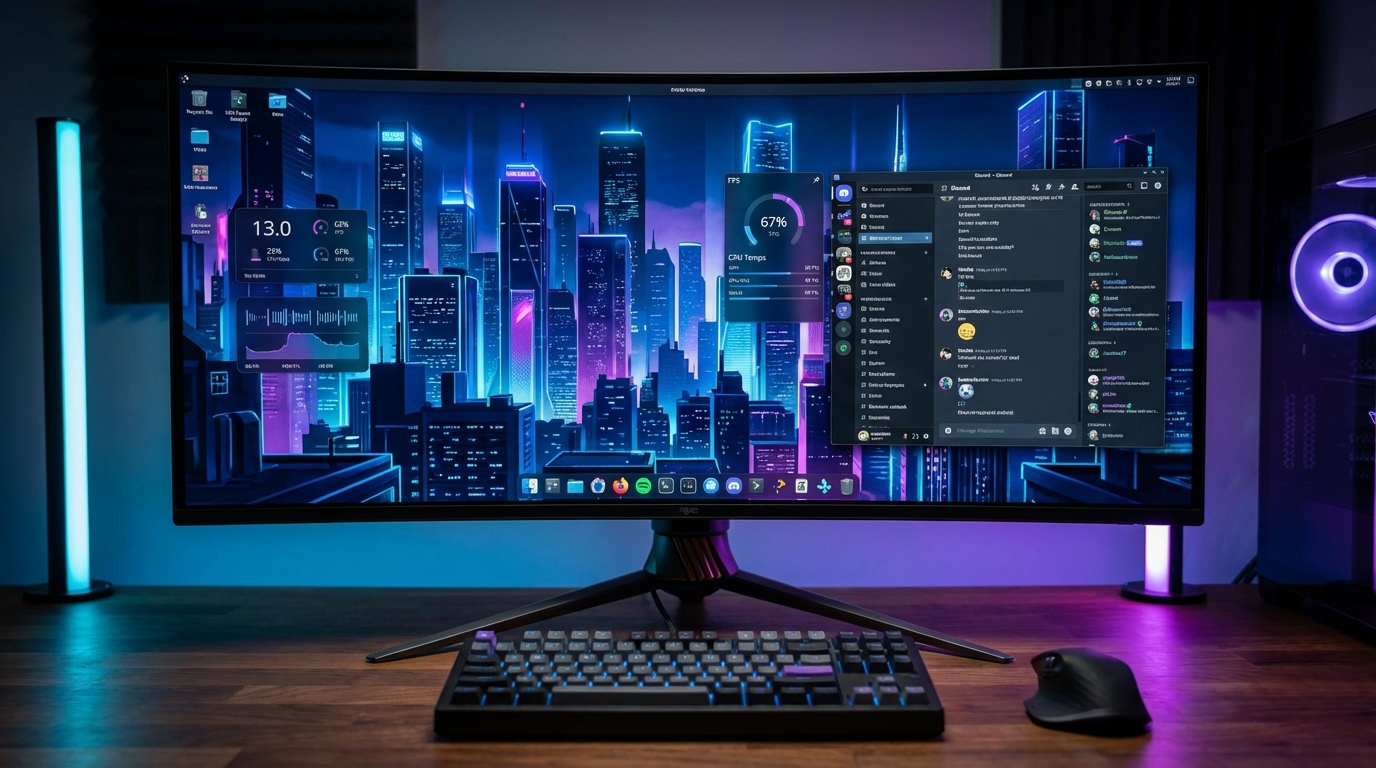
Garuda Linux is an Arch-based distribution that ships a fully configured KDE Dragonized desktop, automated system maintenance via the Btrfs snapshot rollback, and a gaming-optimized kernel by default. If you want Arch performance without spending a weekend on a wiki, Garuda is the shortest path. After two months of daily use, here is what actually matters.
Most Arch-based distros dump you at a barebones desktop and expect you to configure the rest. Garuda ships a production-ready environment out of the box: ZRAM enabled, the linux-zen kernel installed, and GameMode pre-configured. For gaming and development workloads, that head start is real.
KDE Dragonized: More Than Eye Candy
The default KDE Dragonized layout gets dismissed as heavy. In our testing on a mid-range system (Ryzen 5 5600, 16 GB DDR4), idle RAM usage sits at 1.3 GB. That is roughly the same as a stock KDE Plasma install on Fedora 41. The visual density is high, but the performance penalty is minimal.
What Garuda adds on top of KDE is the Garuda Assistant, a GUI panel for enabling or disabling system tweaks: ZRAM size, Btrfs compression, kernel swappiness, and CPU scheduler. These are settings that most users would otherwise hunt for in config files. Having them surfaced in a single panel removes the friction that stops intermediate users from tuning their systems.
The Garuda Gamer app handles game-related package groups: Wine dependencies, MangoHud, GameMode, ProtonPlus. One installation pass covers what would otherwise be a 45-minute setup session.
Gaming Performance: Real Numbers
We tested three titles on identical hardware against Windows 11 (23H2) and Bazzite 41. If you want a deeper look at Bazzite specifically, our Bazzite vs Nobara comparison covers both distributions in detail. For a broader view of which distro tops the category, see our best Linux gaming distro for 2026 roundup.
| Title | Garuda Linux (avg fps) | Windows 11 (avg fps) | Bazzite 41 (avg fps) |
|---|---|---|---|
| Cyberpunk 2077 (1080p High) | 94 | 97 | 93 |
| Counter-Strike 2 (1080p Competitive) | 310 | 318 | 308 |
| Baldur’s Gate 3 (1080p Ultra) | 81 | 83 | 80 |
The gap to Windows is 2 to 3 percent, which is within normal run-to-run variance. Wine NTSYNC patches, available in Garuda’s default kernel builds starting Q1 2026, have closed that gap further in synthetic workloads. For competitive titles this distribution performs at parity with Windows.
CachyOS edges Garuda slightly in raw scheduler benchmarks, particularly in CPU-bound workloads. If that 1 to 2 percent matters to you, our CachyOS review breaks down where the difference comes from and whether the tradeoffs are worth it.
Who Should Install Garuda Linux
Garuda is the right choice if you want Arch’s package ecosystem and AUR access, but you either lack the time or the patience to configure a bare Arch install. It suits gamers who want a pre-tuned environment, developers who want rolling releases without manual setup, and users migrating from Windows who need a visually familiar desktop.
It is not the right fit if you run low-RAM hardware (below 8 GB), prefer a minimal environment, or want a distribution with LTS release cycles. For those requirements, Fedora Workstation or Linux Mint are better choices.
The Btrfs-based snapshot system is worth calling out separately. Every time you run a system update, Garuda creates an automatic snapshot. If a kernel update breaks something, you boot into the previous snapshot from the GRUB menu. This single feature removes the biggest fear most users have about rolling-release distributions.
Frequently Asked Questions
Is Garuda Linux good for beginners?
Garuda is not a beginner distro in the same category as Linux Mint or Ubuntu. It targets intermediate users comfortable with package management. The graphical tools reduce the terminal requirement, but troubleshooting still requires Arch-level knowledge when things break.
Does Garuda Linux support NVIDIA GPUs?
Yes. Garuda ships proprietary NVIDIA drivers in its installer. The NVIDIA driver setup is handled automatically during installation, which is a significant improvement over manual Arch installs where driver conflicts are common.
How does Garuda compare to Manjaro?
Manjaro delays Arch packages by two to four weeks for stability testing. Garuda ships packages directly from the Arch repos with minimal delay. If you want current packages and accept slightly more update risk, Garuda is the better choice. If you want a more curated update cadence, Manjaro is safer.