

How long do laptops last? HP puts the average laptop lifespan at 3 to 5 years. On the figures makers publish, the first limits you hit are the battery and the end of operating system updates, and both have dates or ratings you can look up.
So the useful question is which clock runs out first on your machine, and whether it is cheap to reset.
The four clocks that decide how long a laptop lasts
A laptop has four clocks running at once: the battery, the moving and flexing parts, the storage, and the software support window. Each has its own rating, and they run out years apart.
HP’s lifespan guide lists overheating in a compact case, limited upgrade options, battery degradation and physical damage as the factors that shorten laptop life. It gives desktops 3 to 8 years.
IRS Publication 946 sets a 5-year recovery period for computers and peripheral equipment. That is a tax rule, not a durability rating, but it shows the planning horizon the tax code assumes.
The published numbers, side by side
We opened the manufacturers’ own support pages on November 11, 2026 and collected the figures they actually commit to.
| Part or support | Published figure | Source | What it means in practice |
|---|---|---|---|
| Whole laptop | Average laptop lifespan: 3 to 5 years | HP | An average across all users |
| Battery, Mac laptops | 1,000 maximum cycle count on current MacBook Air, Pro and Neo, designed to retain up to 80% capacity at that point | Apple | 2.7 years at one full cycle a day, 5.5 years at one every two days |
| Battery, Dell laptops | Typical users notice reduced runtime after 18 to 24 months | Dell | Runtime drops and the laptop still works |
| Battery, general | 2 to 5 years, or 300 to 500 charge cycles | Lenovo | The part you should expect to replace once |
| SSD | 600 TBW and 5 years limited warranty on the 1TB 990 EVO Plus | Samsung | About 33 years at 50 GB written per day |
| Hinges | Up to 20,000 open-and-close cycles in durability testing | ASUS | 5.5 years at 10 openings a day |
| Windows 10 | Support ended October 14, 2025. Paid or free ESU runs to October 12, 2027 | Microsoft | The hard deadline for PCs that cannot run Windows 11 |
| Windows 11 Home and Pro | Version 24H2 ended October 14, 2026. Version 25H2 ends October 13, 2027 | Microsoft | You must keep installing the yearly version |
| macOS Tahoe 26 | Runs on MacBook Pro back to the 16-inch 2019 model and MacBook Air back to the M1 2020 model | Apple | A 2019 laptop still gets the current system |
| ChromeOS | 10 years of updates from the platform release date | Counted from the platform release date | |
| Parts and service, Mac | Minimum 5 years after last sale, up to 7. Battery-only repair up to 10 years | Apple | After that, repair depends on third parties |
Source: HP Tech Takes, Apple Support, Dell Support, Lenovo, Samsung 990 EVO Plus data sheet, ASUS, Microsoft and Google support pages, all checked November 11, 2026. The last column is our own arithmetic from the published figure, not a manufacturer claim.
The battery is the row you can measure at home today. This Dell Support walkthrough shows where to find battery usage in Windows and battery health in the BIOS on that maker’s machines.
Lifespan by laptop type, from budget models to MacBooks
No manufacturer publishes “this class lasts N years”, and a neat number per class is a guess. What you can compare is which limit each type hits first.
| Laptop type | What usually retires it first (our reading) | Published figure to check before you buy |
|---|---|---|
| Budget Windows laptop | Battery wear, then too little memory for newer software | Lenovo: 300 to 500 cycles. Windows 11 minimum: 4 GB RAM, 64 GB storage, TPM 2.0 |
| Business laptop | Windows hardware requirements, as well as wear | ASUS ExpertBook: hinges tested up to 20,000 cycles. HP: long-life batteries warranted for the PC’s warranty term or 1,000 cycles, whichever comes first |
| Gaming laptop | Heat and battery wear | Microsoft: excessive heat makes lithium-ion batteries deteriorate more quickly and permanently reduces capacity. We found no maker that publishes a lifespan figure for this class |
| MacBook | The macOS cut-off, then the battery | Apple: 1,000 cycles, macOS Tahoe 26 on 2019 and 2020 models, parts for 5 to 7 years |
| Chromebook | The Auto Update expiry date | Google: 10 years of updates from platform release |
| Older Windows 10 laptop | The end of security updates | Microsoft: consumer ESU ends October 12, 2027 |
Source: Lenovo, Microsoft, ASUS, HP, Apple and Google pages checked November 11, 2026. The middle column is our reading of those figures, not a measured failure rate.
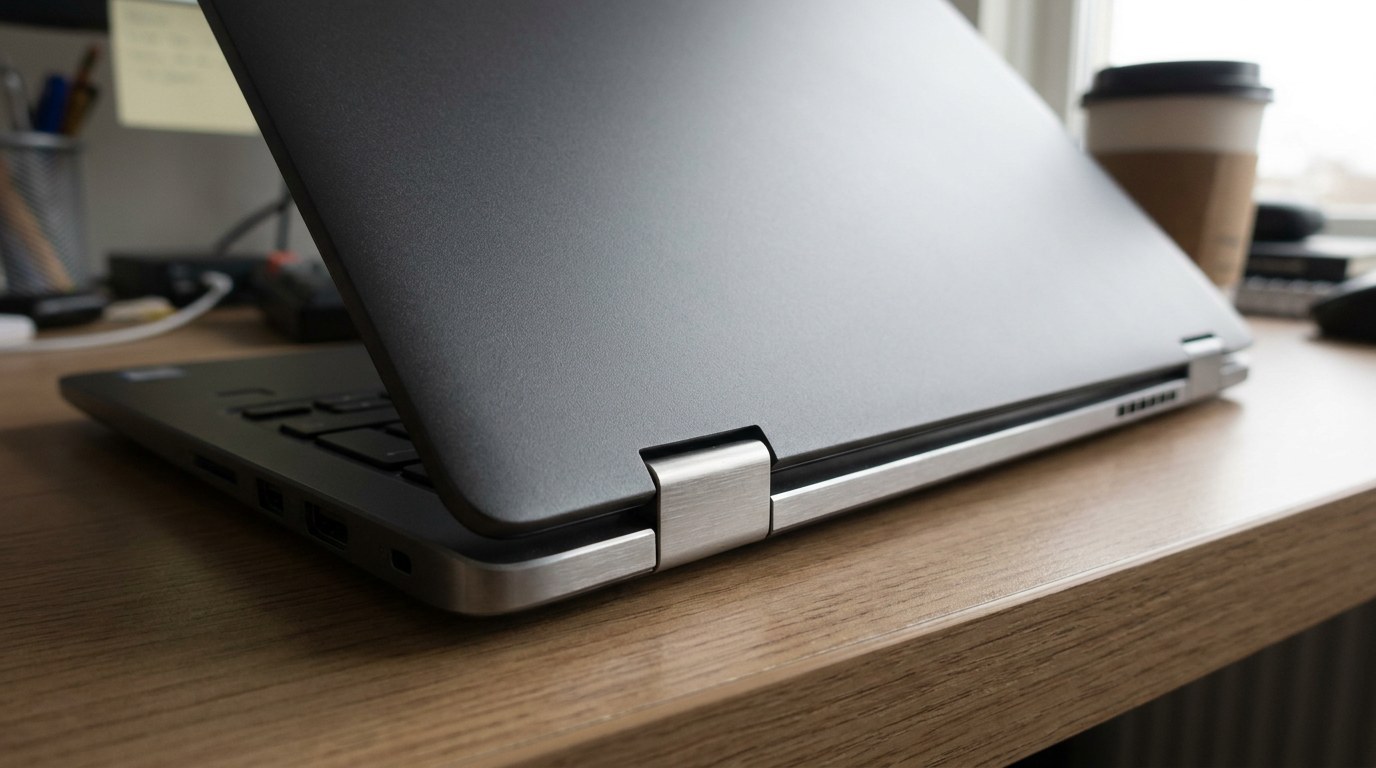
A higher price can buy sturdier parts and easier repairs. It does not change the support rules: Windows 11 eligibility depends on hardware such as TPM 2.0, and Chromebook updates count from the platform release date.
If the purchase can wait, our guide to the best time to buy a laptop shows which months carry the lowest prices.
Operating system support is the hard deadline
Hardware wears out gradually, while software support ends on a fixed date. Windows 10 support ended on October 14, 2025, and Microsoft’s consumer Extended Security Updates program now runs to October 12, 2027.
ESU costs a one-time $30, or nothing if you sync your PC settings, or 1,000 Microsoft Rewards points, and one license covers up to 10 devices. It delivers security updates only, with no new features and no technical support.
Being on Windows 11 is not permanent either. The Windows 11 Home and Pro lifecycle page shows version 24H2 ended on October 14, 2026 and version 25H2 ends on October 13, 2027, so a laptop that stopped taking feature updates is already out of support.
Apple publishes no end date, but the macOS Tahoe 26 compatibility list still includes the 16-inch MacBook Pro from 2019 and the M1 MacBook Air from 2020.
Under its vintage and obsolete products policy, parts are available for at least 5 years after a model was last sold, up to 7, with battery-only repair for Mac laptops up to 10.
Chromebooks have the clearest rule. Google’s Auto Update policy promises 10 years of updates from the platform release date. A Chromebook on a platform released four years ago has six years left, whenever that model went on sale.
Batteries, SSDs and hinges: what the ratings mean in years
Cycle counts confuse people because a cycle is not a charge. Apple’s battery cycle count page defines one cycle as using all of the battery’s power, even across several days. Half a battery per day is one cycle every two days.
At that pace a 1,000-cycle battery reaches its rated limit after about 5.5 years. Run it flat every day and you get there in 2.7.
Lenovo’s general figure of 300 to 500 cycles, or 2 to 5 years, is the cautious end. Dell’s laptop battery FAQ says typical users notice reduced runtime after 18 to 24 months.
The common advice to never leave a laptop plugged in is too strict. Dell says plugged-in use is safe and spares the battery unnecessary cycles, though it suggests running on battery occasionally.
Microsoft’s battery care page recommends keeping the level between 20% and 80% and warns that high temperatures permanently reduce lithium-ion capacity.
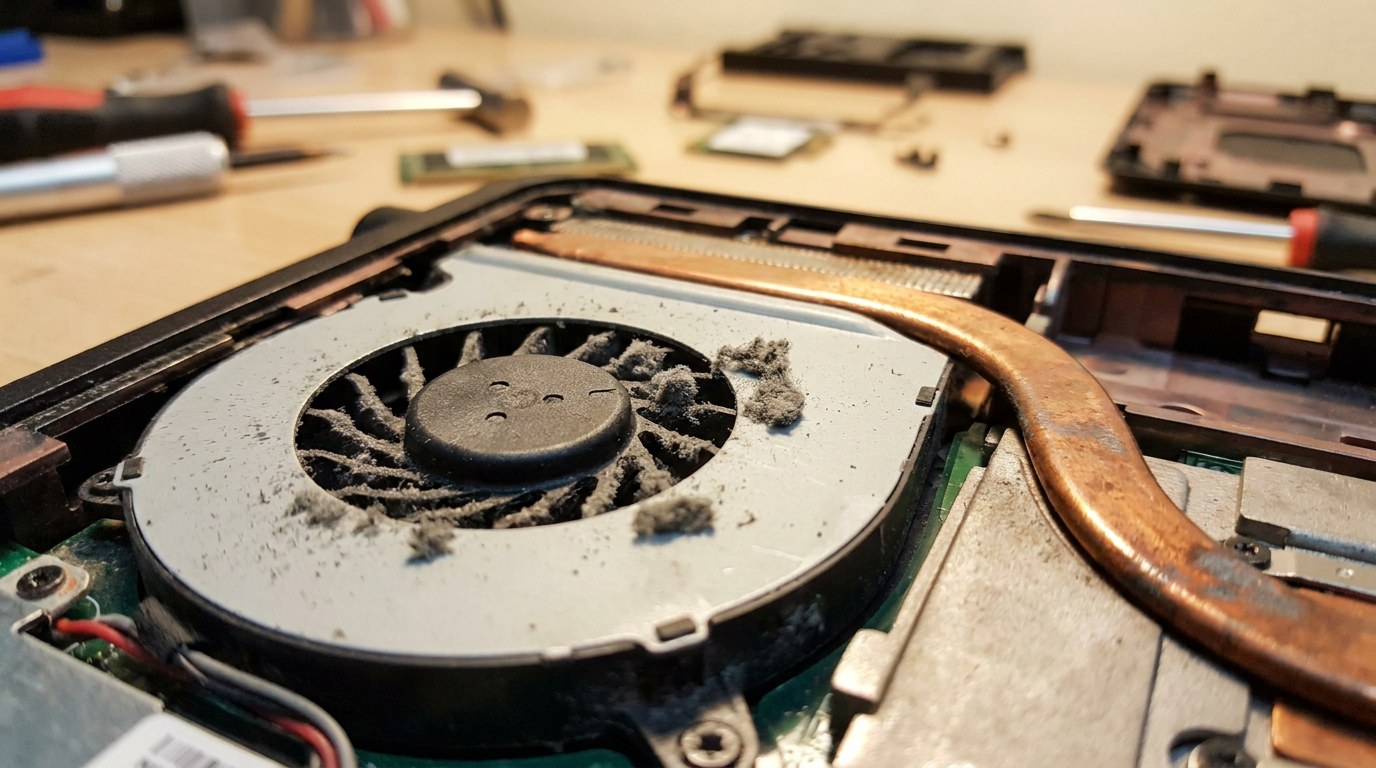
Storage is rarely the first limit on a drive of this grade. Samsung warrants the 1TB 990 EVO Plus for 600 TBW or 5 years.
By our arithmetic, writing 50 GB every day would take about 33 years to reach 600 TB. Cheaper drives can carry lower ratings.
If an older machine feels slow, fix a slow laptop before you blame the drive, and check how much RAM you need.
Repair or replace: the cost logic
A repair is worth what it costs per year of supported life it buys. On November 11, 2026, Dell’s US store listed a 54 Wh 4-cell replacement battery for select laptops at $124.99. Apple’s estimate tool showed $229 for out-of-warranty battery service on a MacBook Pro.
- It still qualifies for a supported operating system for at least two more years.
- The fault is the battery, the drive or dust, parts that are sold separately.
- It is under warranty. Use the warranty before you pay anyone.
- It fails the Windows 11 check and Windows 10 ESU ends for it on October 12, 2027.
- The mainboard or screen has failed on a machine already near its support cut-off.
- Memory is soldered and too small for the work you do now.
- You have already paid for one repair and the fault came back.
Repairs do disappoint. In the video below, Leo Notenboom describes replacing the battery in a 2.5-year-old laptop twice, once with a third-party part and once with a manufacturer-branded one, and the shutdown fault stayed. He stopped there and bought a replacement.
How to check how much life your laptop has left
Microsoft’s PC Health Check also shows battery capacity against the original on devices older than 3 years, which saves you the command line.
Frequently asked questions
How long do laptops last on average?
HP gives 3 to 5 years as the average laptop lifespan, and the IRS uses a 5-year recovery period for computers. The battery is the first part to fade: Dell says typical users notice shorter runtime after 18 to 24 months, and Lenovo quotes 300 to 500 cycles.
Do MacBooks last longer than Windows laptops?
No maker publishes a Mac-versus-Windows lifespan comparison. Apple’s 1,000 cycles to 80% capacity matches the 1,000 cycles HP warrants on its long-life batteries. Lenovo quotes 300 to 500 cycles and Dell says 18 to 24 months, which are different measures. Apple still ships current macOS for 2019 and 2020 models.
Can a laptop last 10 years?
Some can, on paper. Google promises Chromebooks 10 years of updates from platform release, and Apple offers battery-only repair on Mac laptops for up to 10 years after last sale. At 300 to 1,000 rated cycles, plan on replacing the battery at least once in that time.
Is it bad to leave a laptop plugged in all the time?
Dell says it is safe and does not harm the battery, and suggests running on battery occasionally. Microsoft recommends keeping the level between 20% and 80% several times a week and turning on Smart charging where the device supports it. It names heat as a cause of permanent capacity loss.