

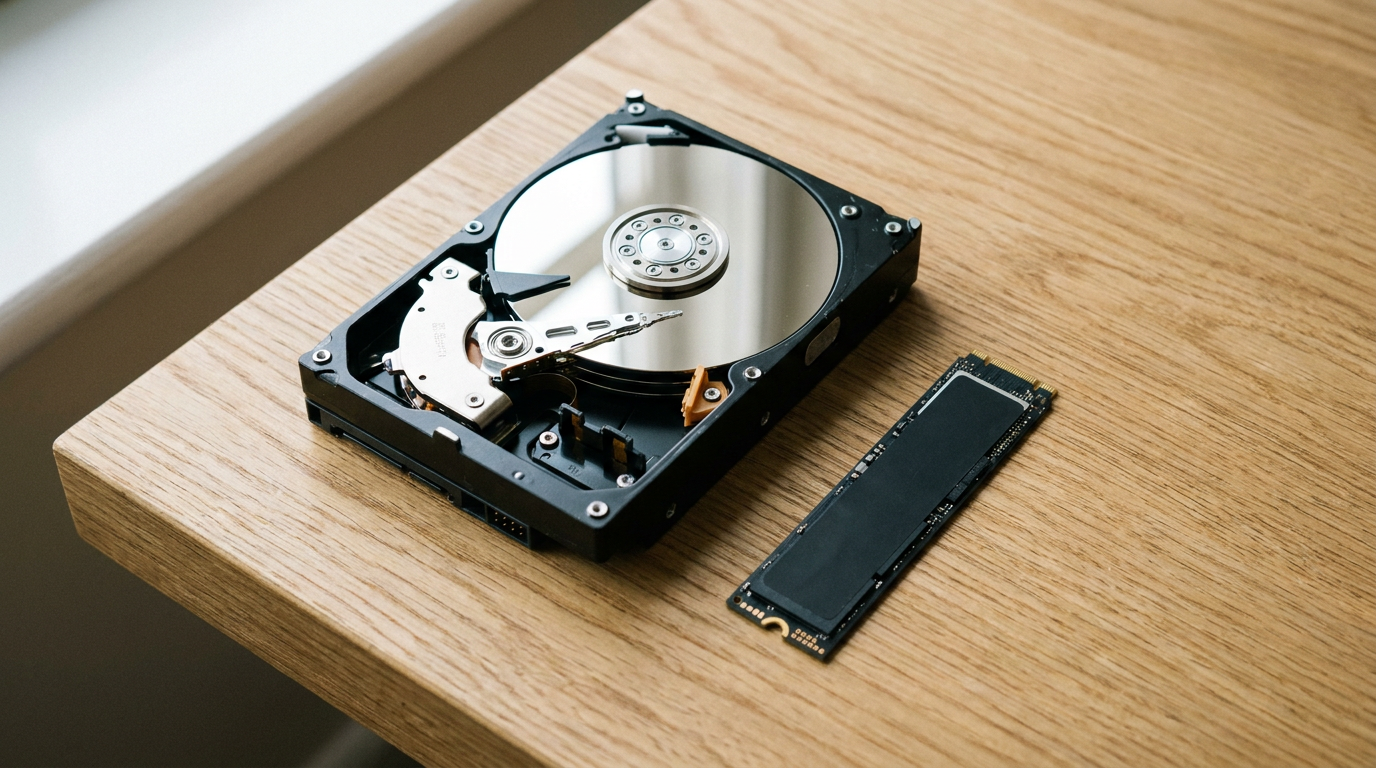
SSD vs HDD comes down to one trade: a current NVMe SSD reads about 38 times faster on spec-sheet maximums and has no moving parts, while a hard drive costs about one eighth as much per terabyte at large capacities.
Put your system and apps on an SSD, and use a big HDD for bulk backup and archives.
Speed: what the spec sheets actually say
Samsung rates the 2TB and 4TB 990 EVO Plus at 7,250 MB/s sequential read and 6,300 MB/s write in its 990 EVO Plus data sheet. Seagate’s BarraCuda data sheet gives the 8TB BarraCuda a maximum sustained read of 190 MB/s.
That 190 MB/s is measured at the outer edge of the platter, the fastest zone. The inner tracks read slower, so a nearly full hard drive feels worse than its box suggests.
Sequential numbers also understate the gap you feel. Booting, opening apps and loading game levels are thousands of small scattered reads. An HDD has to swing a mechanical arm for each one, while an SSD has no seek time at all.
A SATA SSD sits in the middle. Samsung lists the 870 EVO at 560 MB/s read, capped by the SATA interface itself. If your machine has an M.2 slot, our PCIe SSD vs SATA SSD guide explains when the faster bus is worth it.
Cost per TB: the table that decides most purchases
We opened each manufacturer’s own US store on November 9, 2026 and divided the price by the capacity. No retailer coupons, no third-party sellers.
| Drive | Type | Store price | Cost per TB | Rated speed | Endurance rating | Warranty |
|---|---|---|---|---|---|---|
| Seagate BarraCuda 8TB (ST8000DM004) | HDD, 5,400 rpm, SMR | $249.99 | $31.25 | 190 MB/s max sustained read | 55 TB/year workload, 2,400 power-on hours/year | 2 years |
| WD Red Plus 8TB (WD80EFPX) | HDD, NAS | $434.99 | $54.37 | up to 215 MB/s | 180 TB/year workload, 1M hours MTBF | 3 years |
| WD Blue 2TB (WD20EZBX) | HDD, 7,200 rpm, SMR | $184.99 | $92.50 | not listed per capacity on the store page | not listed on the store page | 2 years |
| Samsung 990 EVO Plus 4TB | NVMe SSD | $1,049.99 | $262.50 | 7,250 MB/s read, 6,300 MB/s write | 2,400 TBW, 1.5M hours MTBF | 5 years |
| Samsung 990 EVO Plus 2TB | NVMe SSD (out of stock) | $579.99 | $290.00 | 7,250 MB/s read, 6,300 MB/s write | 1,200 TBW, 1.5M hours MTBF | 5 years |
| Samsung 870 EVO 2TB | SATA SSD | $879.99 | $440.00 | 560 MB/s read, 530 MB/s write | 1.5M hours MTBF | 5 years |
Source: Seagate store and BarraCuda data sheet, Western Digital store, SanDisk store, Samsung US store and Samsung 990 EVO Plus data sheet, all checked November 9, 2026. The BarraCuda price was a sale price, $279.99 before the discount. Prices change daily. The 990 EVO Plus 2TB was listed but out of stock.
Three things jump out. The cheapest SSD terabyte here costs 8.4 times the cheapest HDD terabyte. At 2TB the gap shrinks to about 3.1 times, because small hard drives are poor value: the 2TB WD Blue costs $92.50 per TB, three times the 8TB BarraCuda.
The third surprise is the SATA SSD. On Samsung’s own store the 2TB 870 EVO costs more than the much faster 2TB 990 EVO Plus, which was out of stock that day. Check the retailer price before you buy a SATA model out of habit.
Lifespan: TBW, MTBF and workload ratings explained
SSD makers rate endurance in TBW, terabytes written. The 2TB 990 EVO Plus is rated for 1,200 TBW or 5 years, whichever comes first, per Samsung’s data sheet.
At 50 GB of writes a day, 1,200 TB would take about 65 years to use up. The 5-year warranty ends long before that, so for a home PC the warranty term is the number that matters, not the TBW.
MTBF is the figure most buyers misread. A 1.5 million hour rating does not mean the drive lasts 171 years. A common way to read it: 8,760 hours in a year divided by 1.5 million hours, or roughly 0.58% of a large population of such drives failing per year under the rated conditions.
Hard drives add a rating SSD buyers never see: the workload limit.
Seagate rates the BarraCuda for 55 TB a year, about 150 GB a day, and 2,400 power-on hours a year, about 6.6 hours a day. The WD Red Plus page lists 180 TB a year and 1 million hours MTBF for the NAS-focused Red Plus.
When an HDD still wins
Hard drives still make sense wherever capacity matters more than speed. Backup images, finished video projects, a music library and security camera footage all write once and get read rarely.
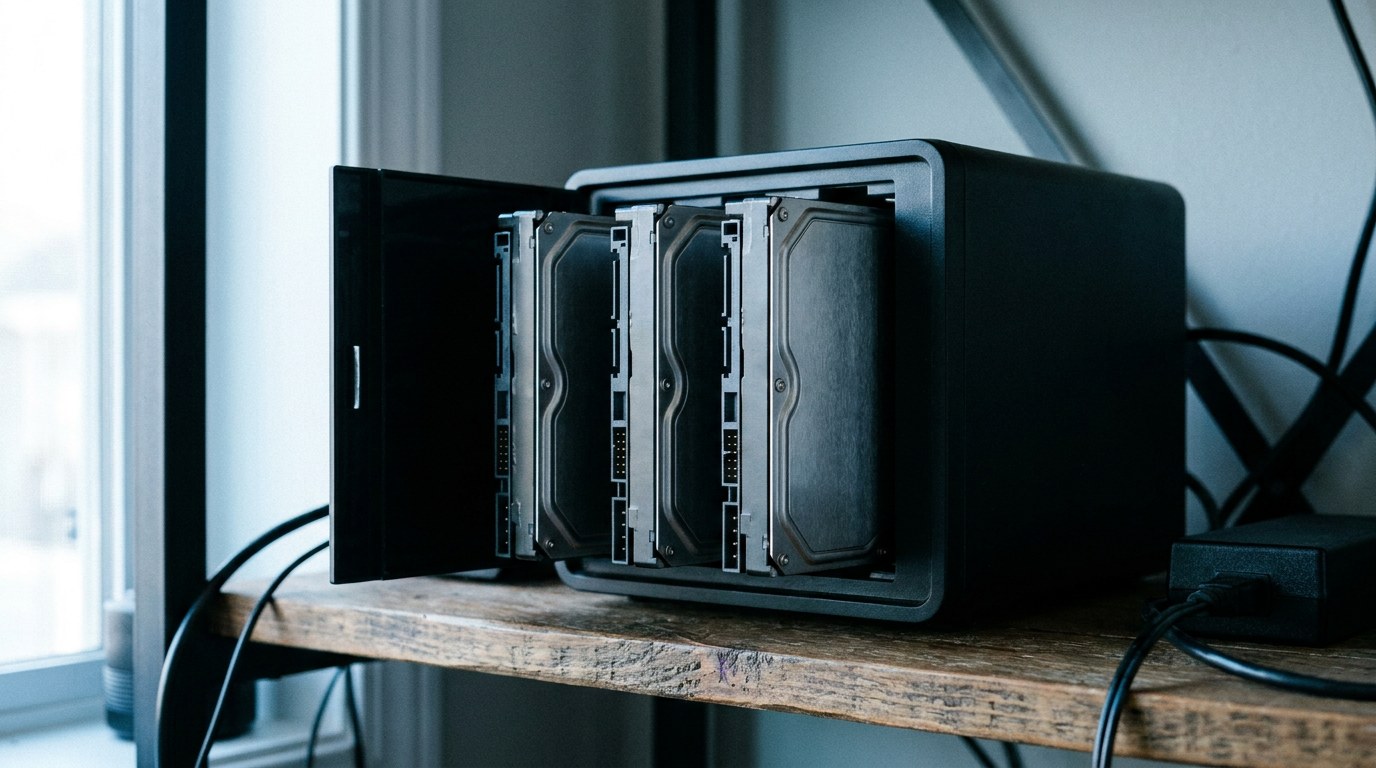
The common mistake is buying the wrong kind of hard drive.
Both the 2TB WD Blue and the 8TB BarraCuda list SMR recording on the manufacturer pages we opened. SMR overlaps tracks to fit more data, which makes large rewrites slower than on a conventional drive, so neither belongs in a RAID array that rebuilds often.
The other mistake is a small HDD at all. At 2TB the price gap shrinks to about 3.1 times, so the choice turns more on speed, which our 2TB SSD vs 2TB HDD comparison works through.
SSD or HDD: when yes, when no
- It holds Windows, macOS or Linux
- You load games, apps or project files daily
- The drive goes in a laptop that gets carried around
- You need under 2TB of space
- You need 8TB or more on a budget
- Files are written once and rarely opened
- It is a second drive for backups
- It sits in a NAS, and you buy a NAS-rated model
Most desktops do best with both: a 1TB or 2TB SSD for the system and active work, plus a large HDD for everything that just needs to exist somewhere.
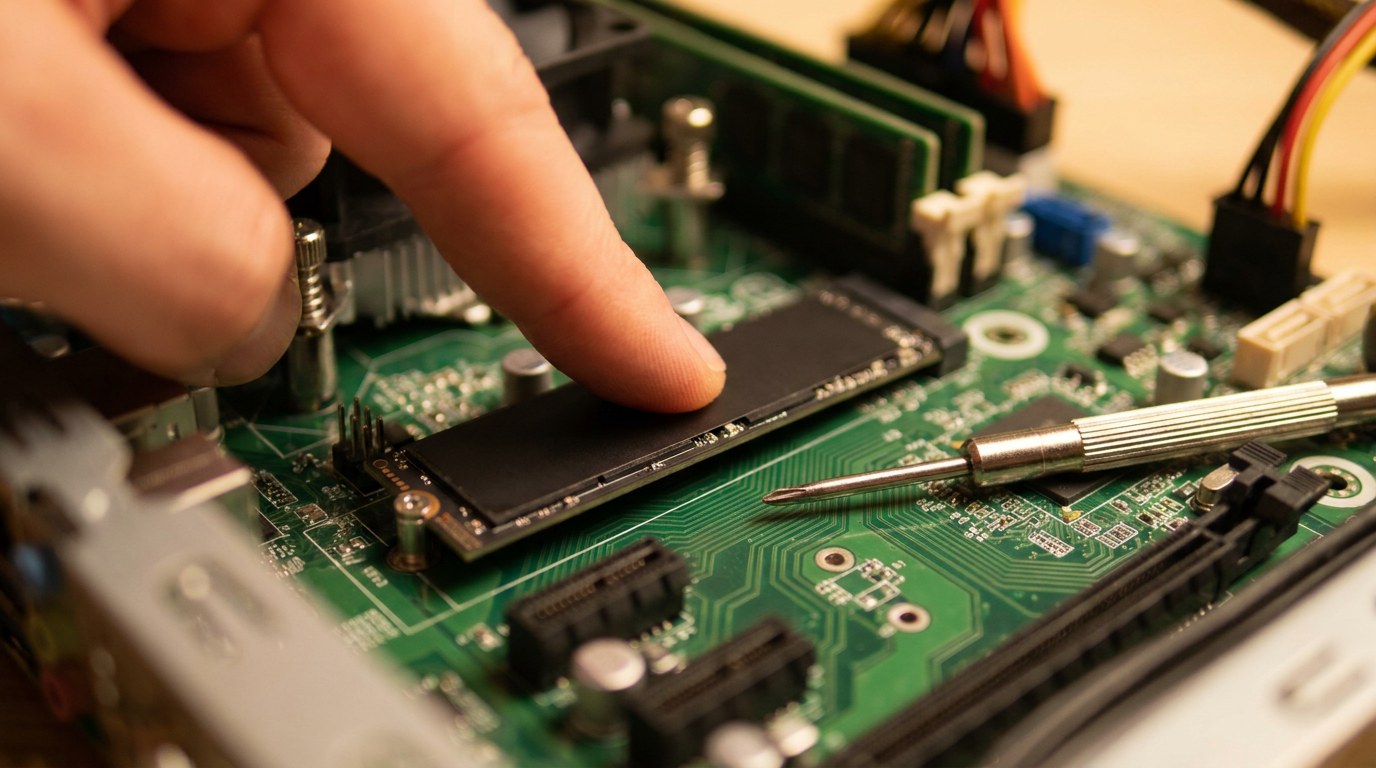
How to choose your drive in four steps
One more trap sits inside the SSD aisle. Two SSDs with the same capacity can differ in hardware, and Linus Tech Tips covers how low-cost models differ from top performers, including DRAM cache. Our NVMe vs SSD guide covers the interface side.
Why SSD prices look high right now
The SSD column above is not a typo. On November 9, 2026, Samsung listed the 1TB and 2TB 990 EVO Plus as out of stock with the note “We can’t make them fast enough.” SanDisk’s store pages for the WD_BLACK SN850X and the WD Blue SN5000 showed only Notify Me buttons.
The same day, Seagate showed the 8TB BarraCuda as In Stock and Western Digital showed the 8TB Red Plus as Available. If you only need bulk storage now, that is an argument for buying the HDD today and waiting on a large SSD.
Frequently asked questions
Is an SSD always better than an HDD?
For the drive that runs your operating system and apps, yes. For large archives and backups, an HDD gives you far more space per dollar, $31.25 per TB versus $262.50 per TB in our November 9 check.
How long does an SSD last compared with an HDD?
Both usually outlast their warranty in home use. Read the SSD’s TBW and warranty years, and the HDD’s workload and power-on hours rating. Once it is installed, check your SSD health with SMART tools now and then.
Can I use an SSD and an HDD in the same PC?
Yes, and on a desktop it is usually the best setup. Install the system and apps on the SSD and point your downloads, media and backup folders at the HDD.
Should I buy a 2TB hard drive in 2026?
Only as a cheap backup drive. The 2TB WD Blue works out to $92.50 per TB on WD’s store, against $31.25 for the 8TB BarraCuda and $290 for the 2TB 990 EVO Plus. If you need archive space, a larger HDD stretches the money much further.