

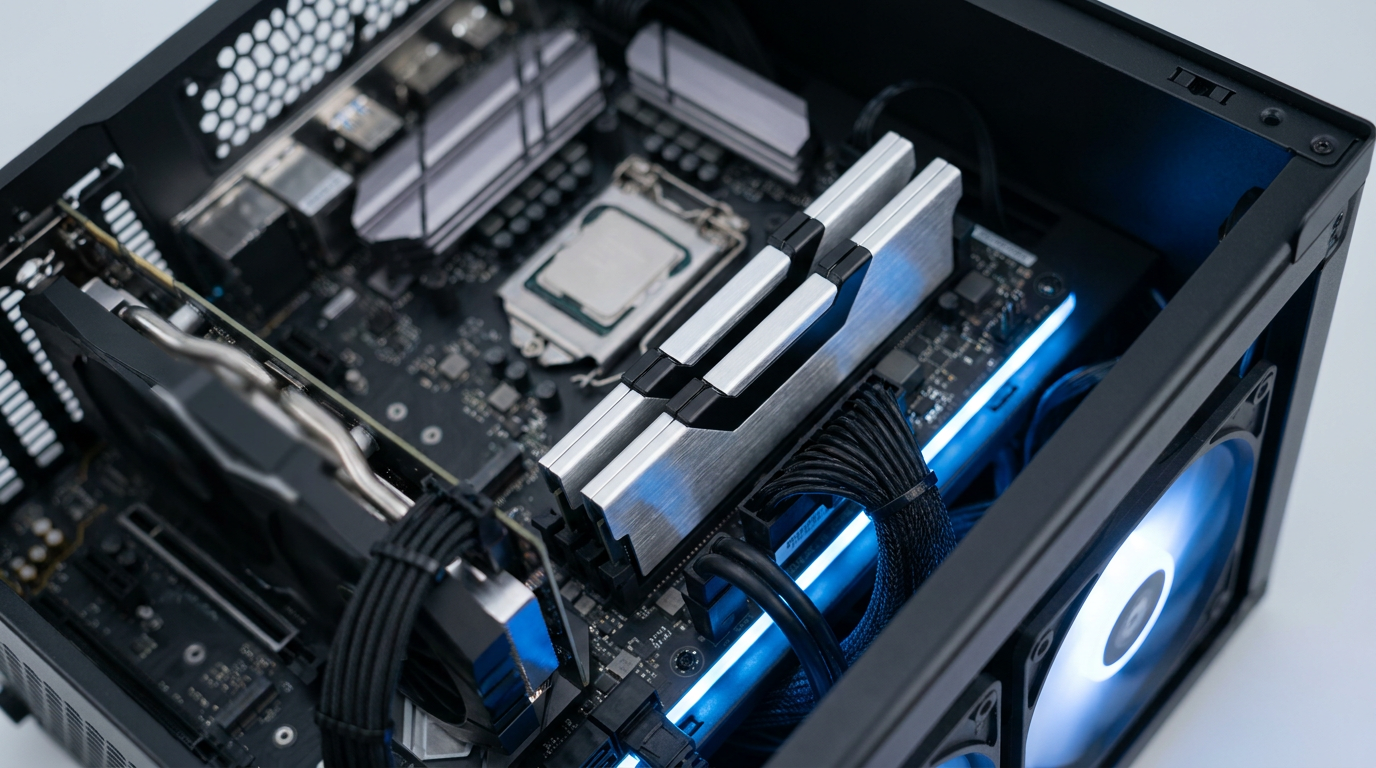
32GB of DDR5 is not overkill if you game, edit video, or run virtual machines alongside a browser full of tabs. It is overkill only if your heaviest task is email, streaming, and spreadsheets, where 16GB still does the job. The right number depends on what you actually run at once, not on what sounds impressive on a spec sheet.
Plain Browsing and Office Work Still Run Fine on 16GB
If your day looks like a browser, a word processor, and the occasional video call, 16GB of DDR5 covers you with room to spare. Windows 11 plus a dozen Chrome tabs rarely tops 8 to 10GB of use.
Paying extra for 32GB here buys headroom you will never touch. Put that budget into a faster SSD instead.
Gaming Has Moved 32GB From Luxury to Comfortable Default
Modern games increasingly want more than 16GB, especially with a browser, Discord, and a streaming overlay running in the background. 32GB removes that guesswork.
Expect fewer stutters when the system juggles a game plus everything else open, not a dramatic frame rate jump.
Video Editing, VMs, and Docker Make 32GB the Real Baseline
Once your workload includes video editing, a large Lightroom catalogue, virtual machines, or Docker containers next to a browser and a game, 32GB stops being optional. These tasks hold memory open for long stretches, and running short forces disk swapping that slows everything down.
Juggle several of these workloads at once and some builders push past 32GB toward 64GB, but 32GB is where you stop fighting your own machine.
DDR5 Is Not a Drop-In Upgrade, So Decide at Build Time
DDR5 uses a different physical slot layout and voltage than DDR4, so it only works with a motherboard and CPU generation built to support it. You cannot swap DDR5 sticks into an older DDR4 board.
The RAM decision gets made the moment you pick your motherboard and CPU, not later. If you are still weighing whether the newer platform is worth the jump, our DDR5 upgrade decision guide covers that call in more detail.
DDR4 kits remain the cheaper platform overall, and that gap has narrowed as DDR5 became the default on new builds. Check current listings before you commit, since pricing shifts often.
Buy a Matched 2x16GB Kit, Not One 32GB Stick
Two 16GB sticks in dual-channel mode give your CPU two paths to memory instead of one, and that bandwidth matters more than the number on the box. A single 32GB stick runs single-channel and leaves that bandwidth unused.
Buy both sticks as one matched kit from a brand like Corsair Vengeance, G.Skill Trident Z5, Crucial, or Kingston Fury. Mixing kits, even ones rated the same, invites instability that is hard to diagnose later.
A build that needs 32GB of memory usually needs serious storage too. If you are also sizing your drive, our 2TB SSD buying guide and 8TB SSD buying guide cover the storage side of the same build.
Turn On XMP or EXPO in BIOS or You Are Wasting the Kit
A kit rated at DDR5-6000 or DDR5-5600 runs at a much slower base JEDEC speed until you enable the profile yourself. Intel boards call this setting XMP, AMD boards call it EXPO.
Enable it the first time you boot the new build. Skip this step and you paid for a rated speed your system never uses.
Common Questions About 32GB DDR5 RAM
Is 32GB of RAM overkill for gaming right now?
No. It has become the comfortable default rather than a luxury, especially with background apps running alongside the game.
Can I mix DDR5 kits from different brands or batches?
Not recommended. Different kits often use different memory chips even at matching speed ratings, and that mismatch can cause instability.
Do I need to enable XMP or EXPO for DDR5 to hit its rated speed?
Yes. Without enabling the profile in BIOS, DDR5 modules run at their slower base JEDEC speed no matter what speed is printed on the box.