

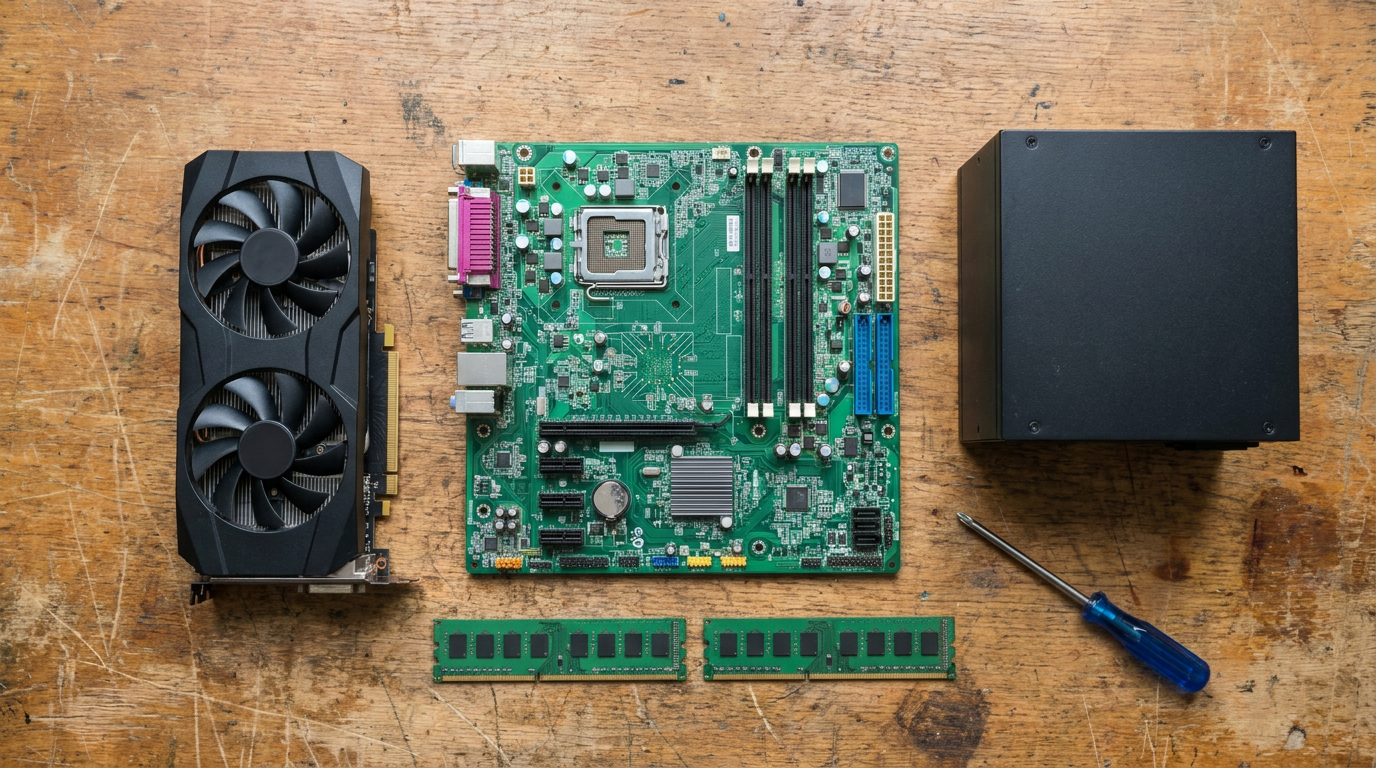
How much does it cost to build a PC? About $995 for a plain office machine and $1,489 to $3,965 for a gaming PC, Windows included.
Those totals come from Newegg listings for every part, checked November 13, 2026, plus Windows 11 Home at $139 from Microsoft. The memory and graphics card lines in the table below are why they sit well above guides written earlier this year.
What each tier costs, part by part
Each column below is one complete build with new parts. The office build uses the graphics built into the Intel Core i5-14400, so it has no separate card. Every gaming build gets its own CPU cooler, a power supply sized to the card, and a case.
| Part | Office | 1080p gaming | 1440p gaming | 4K / creator |
|---|---|---|---|---|
| CPU | Intel Core i5-14400 $188.99 | AMD Ryzen 5 7600X $199.00 | AMD Ryzen 5 7600X $199.00 | AMD Ryzen 7 9800X3D $469.99 |
| CPU cooler | Cooler Master Hyper 212 3DHP $29.99 | Cooler Master Hyper 212 3DHP $29.99 | Thermalright Peerless Assassin 120 SE $45.90 | be quiet! Dark Rock 5 $64.90 |
| Motherboard | ASRock B760M Steel Legend WiFi $119.99 | ASRock B650M Pro RS WiFi $109.99 | MSI B650 GAMING PLUS WIFI $119.99 | ASUS TUF GAMING B650E-E WIFI $139.99 |
| Memory | Klevv Fit V 16GB (2x8GB) DDR5-6000 $267.99 | Klevv Fit V 16GB (2x8GB) DDR5-6000 $267.99 | Klevv Fit V 32GB (2x16GB) DDR5-6000 $477.99 | Klevv Fit V 32GB (2x16GB) DDR5-6000 $477.99 |
| SSD | WD_BLACK SN7100 1TB $144.00 | WD_BLACK SN7100 1TB $144.00 | WD_BLACK SN7100 1TB $144.00 | WD Blue SN5100 2TB $273.50 |
| Graphics card | None (CPU graphics) $0 | GIGABYTE WINDFORCE RTX 5060 8GB $499.99 | GIGABYTE WINDFORCE RTX 5070 12GB $919.99 | ZOTAC RTX 5080 SOLID CORE OC 16GB $2,199.99 |
| Power supply | ASRock PRO-750G 750W Gold $49.99 | ASRock PRO-750G 750W Gold $49.99 | ASRock Steel Legend SL-750G $69.99 | ASRock Steel Legend SL-850G $79.99 |
| Case | Cooler Master QUBE 340 $54.99 | Zalman S6 $48.99 | Corsair FRAME 4000D RS $84.99 | Lian Li LANCOOL 217 $119.99 |
| Windows 11 Home | $139.00 | $139.00 | $139.00 | $139.00 |
| Total | $994.94 | $1,488.94 | $2,200.85 | $3,965.34 |
Source: Newegg search listings for each named model, new condition, checked November 13, 2026, at list price with no promo codes applied; Windows 11 Home download price from the Microsoft Store. Listing prices change daily.
Without Windows, the parts alone come to $855.94, $1,349.94, $2,061.85 and $3,826.34. The graphics card is 34% of the 1080p total, 42% of the 1440p total and 55% of the 4K total, so it is the line to price first.
For a second set of numbers, Paul’s Hardware priced out a budget build in the video below, uploaded September 24, 2026.
Why memory and graphics cards push the total up
Memory is the surprise. On November 13, the 16GB DDR5-6000 kits in our search listed between $249.99 and $319.99. The Klevv Fit V 2x8GB pair in our builds was $267.99, and 32GB kits started at $477.99 and ran past $700 for RGB models.
Graphics cards follow the same pattern. The cheapest new RTX 5080 we found listed at $2,199.99, and RX 9060 XT 16GB cards sat between $729 and $849.99.
The parts list for a PC under $1,000 that we published in May came to $940 in total. Today an RX 9060 XT 16GB card alone lists at $749.99, about four-fifths of that $940 total.
If you are unsure whether 16GB is enough for your use, our guide on how much RAM you need breaks it down by workload. At these prices, buying 32GB “just in case” adds about $200 to a 1080p build.

Costs most first-time builders forget
Windows is the most common one. A Windows 11 Home download costs $139.00 at the Microsoft Store, and a parts list that leaves it out understates the bill by that much.
The power supply is the second. NVIDIA lists a required system power of 650W for the RTX 5070, 750W for the RTX 5070 Ti and 850W for the RTX 5080. A cheap unit sized for today’s card can block the upgrade you planned for next year.
Then come the parts outside the case. Our totals include no monitor, keyboard, mouse or speakers, and a gaming monitor can rival the price of the card.
Storage fills up too: a 1TB drive holds only a handful of large games, and our NVMe vs SSD guide explains which drive type is worth the extra money.
Prebuilt vs building it yourself right now
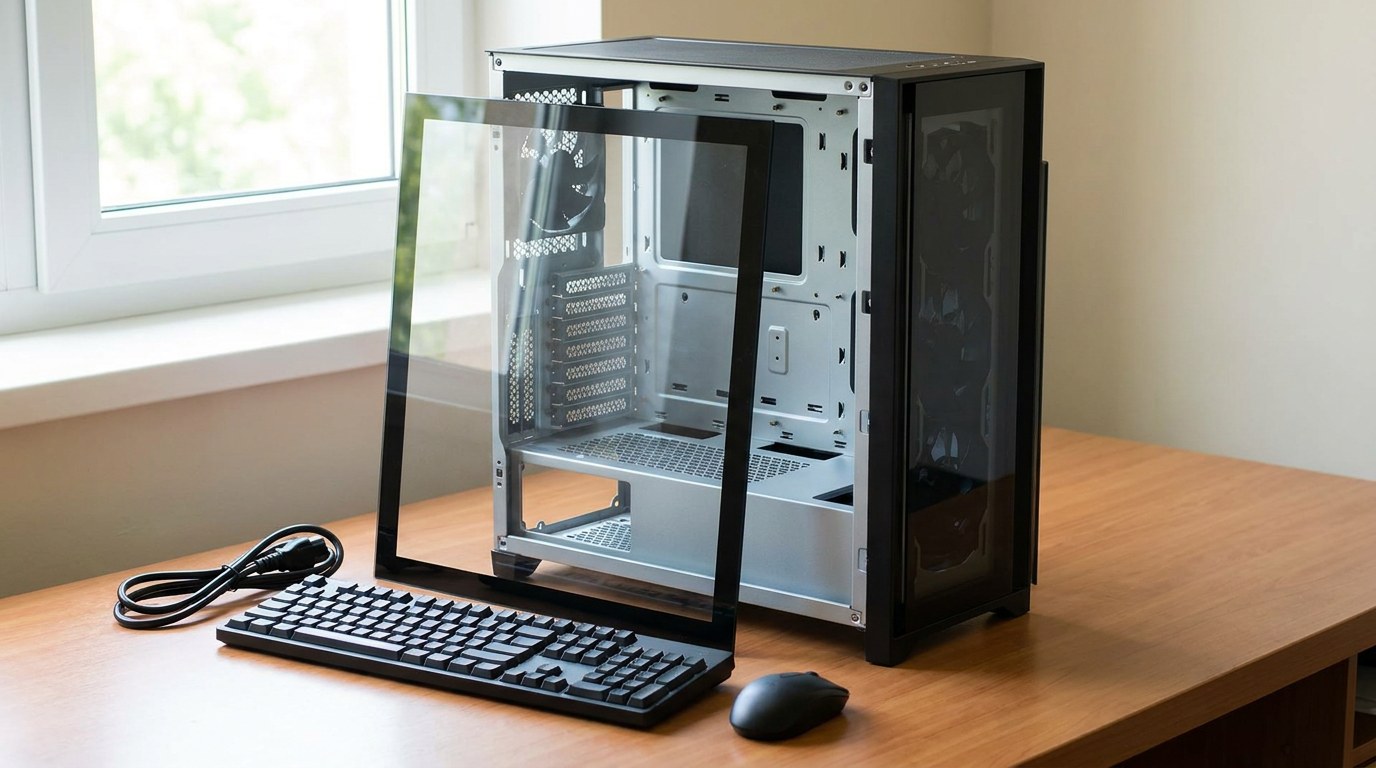
For years, building your own PC was the cheaper route. In November 2026 that is not guaranteed. A Newegg listing titled “Gaming PC Ryzen 5 7600X 16GB RAM 1TB SSD RTX 5060 8GB Windows 11” was priced at $1,349.99 on November 13.
Our 1080p build has the same CPU, memory size, SSD size and GPU, and it totals $1,488.94 with Windows. That makes the prebuilt $138.95 cheaper.
The catch: the listing title names the CPU, memory, SSD and GPU, but not the motherboard, power supply or case. Read the full spec sheet before you assume the two are equal.
- You already own a case, SSD or power supply you can reuse.
- You want a named power supply and motherboard, not a generic one.
- You plan to swap the graphics card later and need the right wattage now.
- You will run Linux and do not need the Windows licence.
- A listing matches your CPU, GPU, memory and SSD for less than the parts.
- You want one warranty and one place to send the whole machine.
- Memory prices stay high, since system builders buy it in bulk.
- You have never built a PC and have no one to help.
How to set your budget
Work from the screen backwards. The order below keeps you from overspending on parts that do not change what you see in games.
Where you can save without regret
Reusing parts saves the most. A case, power supply or SSD from an old PC can carry over if the power supply meets the new card’s wattage and the drive still passes a health check.
The cheaper cooler also works for a mid-range chip. The Hyper 212 3DHP in our 1080p and office builds listed at $29.99, and the bigger coolers only make sense on the 9800X3D tier. RGB lighting and glass panels add cost without adding frames.
For part choices by resolution, our budget gaming PC builds walk through each tier. Check every price again before you order, since memory has moved a lot since that guide was written and listings change with promotions.
Frequently asked questions
How much does a gaming PC cost?
With new parts and Windows 11 Home, our builds came to $1,488.94 for 1080p, $2,200.85 for 1440p and $3,965.34 for 4K, using Newegg listings checked November 13, 2026.
Is it cheaper to build or buy a PC right now?
Not always. A prebuilt with the same CPU, GPU, memory and SSD as our 1080p build listed at $1,349.99, which is $138.95 less. Check which motherboard and power supply the prebuilt uses before you decide.
Can you build a gaming PC for $1,000?
Not with all-new parts at these prices. The 1080p parts list costs $1,349.94 before Windows. Reusing a case, drive or power supply, or buying a used graphics card, are the realistic ways to get closer.
How much of the budget should go to the graphics card?
In our builds the card took 34% of the 1080p total, 42% at 1440p and 55% at 4K. Pick it first and fit the other parts around it.