

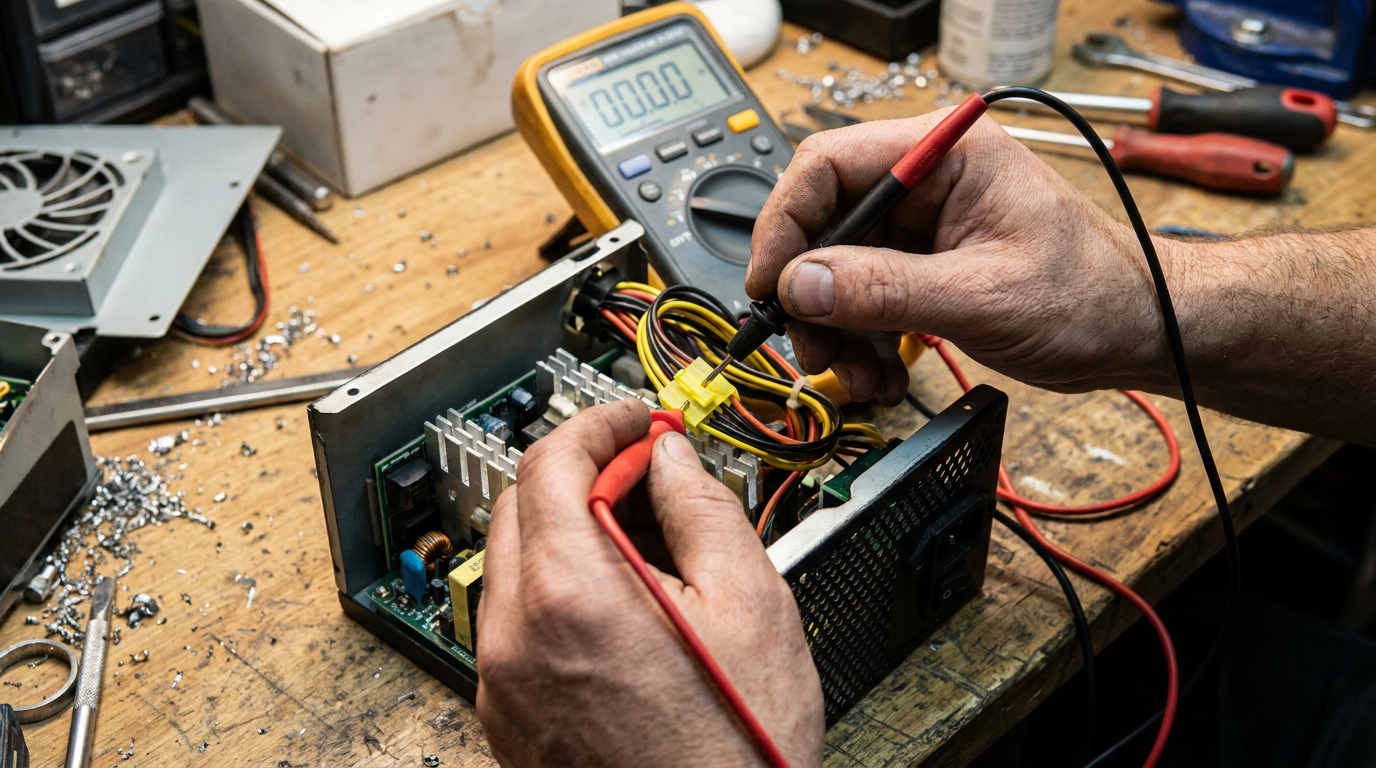
To test a power supply with a multimeter, set the meter to DC voltage, jump the green PS_ON wire to a black ground wire on the 24-pin connector to force the PSU on, then probe each colored wire against a black ground pin. A healthy ATX power supply reads +3.3V, +5V, and +12V within about 5% of spec.
You already own a multimeter, so skip the paperclip trick. What you need are the exact voltage numbers that separate a working rail from a dying one, plus what an out-of-range reading means for your build.
Safety First
Unplug the power supply from the wall before you touch any wiring. Reconnect the AC cord only once your multimeter probes are already in place on the connector pins.
Never open the metal case of the PSU itself. Capacitors inside can hold a lethal charge for days after the unit is unplugged. Keep your bench dry and clear of loose metal, since a stray screw bridging two pins can short the rail.
Reading the 24-Pin Pinout
Pull the 24-pin ATX connector out of the motherboard and lay it flat with the locking clip facing you.
Standard ATX color coding is consistent across brands: orange wires carry +3.3V, red wires carry +5V, yellow wires carry +12V, and black wires are ground. Purple is +5VSB standby, gray is Power_Good.
The green wire is PS_ON. Jumping it to any black ground wire with a bent paperclip tells the supply to switch on without a motherboard attached, and the fan will spin up immediately if the PSU is receiving power.
Checking Each Rail
Set your multimeter to DC voltage on the 20V range and keep the black probe on any black ground pin for the rest of the test.
Touch the red probe to an orange wire first. You want a reading between 3.14V and 3.47V, since ATX spec allows +3.3V to drift about 5% either way. On a red wire, the acceptable range is 4.75V to 5.25V for +5V.
Check a yellow wire last. The +12V rail should read between 11.4V and 12.6V. It carries the heaviest load under gaming or rendering, so it is worth rechecking if your system misbehaves under load.
If you want to see the paperclip-free version of this same check, the walkthrough in how to test a power supply without a multimeter covers it in detail.
What Out-of-Range Means
A reading more than 5% off spec on any single rail points to a failing power supply, not a fixable setting. There is no calibration screw inside a modern ATX unit.
Zero volts on every pin usually means the PS_ON jump failed or the PSU is dead. Reseat the jumper wire and confirm the outlet is live before you condemn the unit.
A rail that reads correctly at idle but sags under load is often the real culprit behind random reboots during gaming. If your system already shows boot instability, rule out BIOS-level causes first, since a bad rail and a misconfigured boot order can look similar. Fluctuating voltage that jumps around instead of holding steady points to a failing capacitor, and no multimeter test fixes that.
Drive issues can mimic power problems too. Checking your SSD health rules out a second failure point before you replace the supply.
Frequently Asked Questions
What voltage should a 24-pin ATX connector read?
Roughly +3.3V on orange wires, +5V on red wires, and +12V on yellow wires, each allowed about 5% tolerance under the ATX standard.
Can I test a power supply without turning on the PC?
Yes. Jumping the green PS_ON wire to a black ground wire forces the supply on by itself, so you never need to connect it to a motherboard.
Is a small voltage drop on the 12V rail normal?
A drop of a few tenths of a volt under load is normal and stays inside the 5% window. A drop below 11.4V at idle signals a rail that is already failing.