

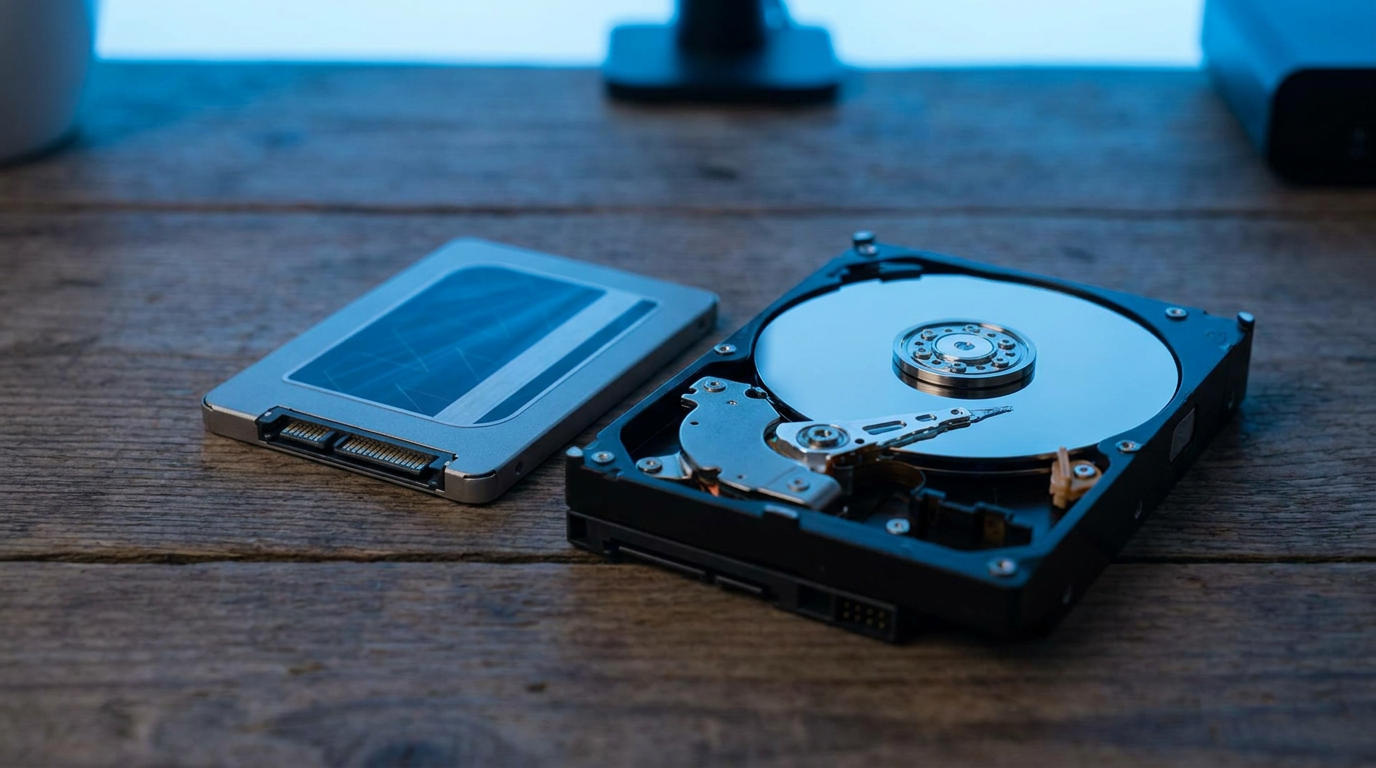
A 2TB SSD gives you a faster, quieter, more durable drive for the same capacity as a 2TB HDD, but you pay roughly triple to five times more per gigabyte for that speed. If budget caps you at one option, the choice comes down to what you do with that space: run programs and games off it, or dump files on it and forget about them.
“2TB” tells you nothing about performance. Two drives with the same capacity number can behave like different categories of hardware. Here is exactly which workloads justify the SSD premium and which ones make an HDD the smarter buy.
Speed: Where the Gap Actually Shows Up
A 2TB SSD reads and writes sequential data many times faster than a 2TB HDD. That shows up most during large file transfers, game installs, and OS boot.
The bigger gap is random access, the small, scattered read/write operations your OS runs constantly. An SSD handles thousands of these per second with almost no delay. An HDD moves a physical head for each one, which is why a hard-drive Windows install can feel sluggish even on a fast processor.
If you already run an OS or games off an SSD and just need extra room, check whether NVMe or SATA SSD makes sense for your setup before assuming any 2TB SSD performs the same.
Durability and Noise: No Moving Parts vs Spinning Platters
An SSD has no moving parts. Nothing spins, nothing seeks. No audible clicking, better shock resistance, no head-crash risk if you bump the machine while it runs.
A 2TB HDD relies on spinning platters and a moving actuator arm. More vulnerable to drops and vibration, measurable noise under sustained use. A stationary desktop drive that never gets moved rarely suffers physical damage.
Not sure which type is currently in your machine? Here is how to check if your drive is an SSD or HDD before you plan an upgrade.
Price Per Terabyte: The Real Deciding Factor
This is where HDDs still win outright. A 2TB HDD costs a fraction of a 2TB SSD at the same capacity, and that gap widens as you go up in size.
Priority raw storage per dollar, an HDD wins every time at 2TB and beyond. Priority speed you feel daily, the SSD premium buys real performance. Weighing a bigger jump instead? See how 2TB SSD pricing compares against 4TB SSD.
Power Draw and Heat
SSDs draw less power, since no motor spins platters continuously. On a laptop that extends battery life. HDDs run hotter from mechanical friction, one reason they show up more in desktop towers and backup enclosures than thin laptops today.
Best Use Case for Each Drive Type
Put your 2TB SSD where speed matters daily: boot drive, game library, video editing scratch space, or anywhere you open large files repeatedly.
Put your 2TB HDD where speed does not matter: cold backups, media archives you rarely touch, or bulk storage for files you already worked on and just need to keep.
Many budget builds run both: a smaller SSD as primary drive, a 2TB HDD as secondary bulk storage. Speed where it counts, cheap capacity where it does not.
Frequently Asked Questions
Is a 2TB SSD worth it over a 2TB HDD for gaming?
Yes, for load times and open-world streaming. Games that stream assets in real time benefit from an SSD’s faster random read speed. If budget only stretches to one 2TB drive, pick the SSD for gaming.
Will a 2TB HDD last as long as a 2TB SSD?
Both can last years under normal use. HDDs fail more from physical shock or heavy daily use, while SSD write-cycle limits rarely become a real issue for typical desktop use.
Can I use a 2TB HDD as a second drive alongside an SSD?
Yes, one of the most common budget setups. Run the OS and daily programs on a smaller SSD, then use the 2TB HDD for bulk storage, backups, and archived files.