

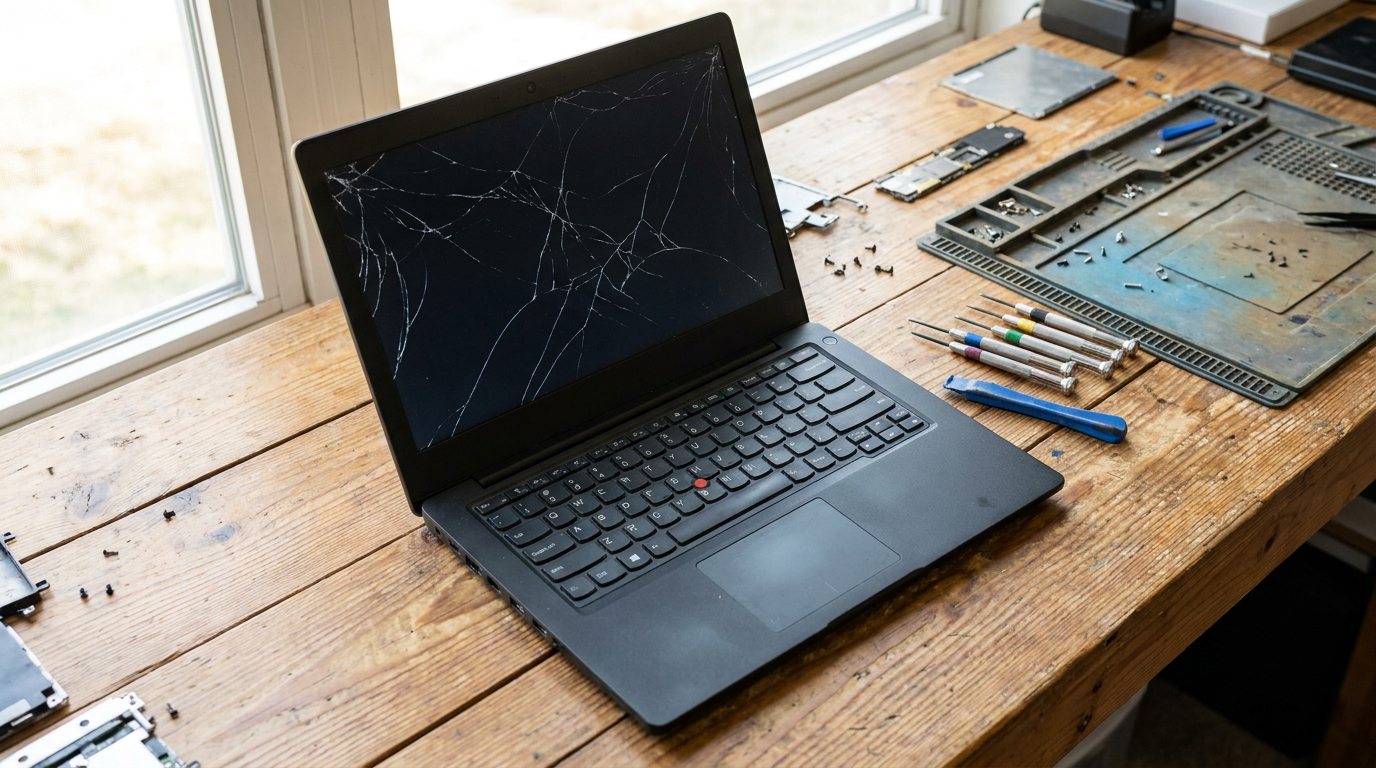
A laptop screen replacement costs $78 to $390 for the part on the Dell HD, Full HD and touch panels we checked on November 25, 2026. A shop adds labor; Geek Squad charges $84.95 plus parts.
Factory repair and OLED panels cost far more. Microsoft charges $520 to $1,010 to fix a Surface Laptop screen out of warranty on most models, and HP lists OLED panels at $579.13 and $1,396.58 before labor.
Laptop screen replacement cost by panel type
On mid-range and touch screens the part is most of the bill; on the cheapest HD panels, shop labor can cost more than the part. A basic HD panel for a 13.3-inch Dell is $77.99, while an Ultra HD OLED touch panel for an HP EliteBook x360 1030 G8 is $1,396.58.
Touch panels usually cost more than non-touch ones of the same size, but not always: Dell’s V0R3Y non-touch panel is $309.99 and its 3KKXR touch panel is $269.99. OLED costs more again, and both HP OLED parts we found were on back order.
| Panel type | Example part and the laptops it fits | Part price |
|---|---|---|
| HD, 13.3-inch, non-touch | Dell FT03F: 200 nits, 45% NTSC | $77.99 |
| Full HD, 15.6-inch, non-touch | Dell YHDGT: Inspiron 15 5558, 5559, 7559 and Vostro 15 3558 | $139.99 |
| Full HD, 15.6-inch, non-touch | Dell V0R3Y: Dell 15 DC15250 | $309.99 |
| Full HD, 14-inch, touch | Dell 3KKXR: Dell Pro 14 PC14250 and PC14255 | $269.99 |
| Full HD+, 14-inch, touch (2-in-1) | Dell T2Y51: Dell 14 Plus 2-in-1 DB04255 | $389.99 |
| 2.2K or 2.8K, user-replaceable kit | Framework Laptop 13 Display Kit, new, sale price (list $179 and $269); refurbished $109 and $169 | $159 or $249 |
| OLED, 16-inch, WUXGA | HP N10910-001: listed for HP ZBook Studio models, on back order | $579.13 |
| OLED, 13.3-inch, Ultra HD touch | HP M45812-001: EliteBook x360 1030 G8, on back order | $1,396.58 |
| MacBook Air 13-inch (M1, A2337) | iFixit display assembly, used A-stock, with tool kit | $399.99 |
| MacBook Air 13-inch (2024) | iFixit display assembly, used A-stock | $449.99 |
Source: Dell replacement laptop screens (part pages FT03F, YHDGT, V0R3Y, 3KKXR, T2Y51), HP Parts Store (prices shown tax excluded), Framework Marketplace and iFixit MacBook Air screens. All pages checked November 25, 2026. Prices change often; confirm before you order.
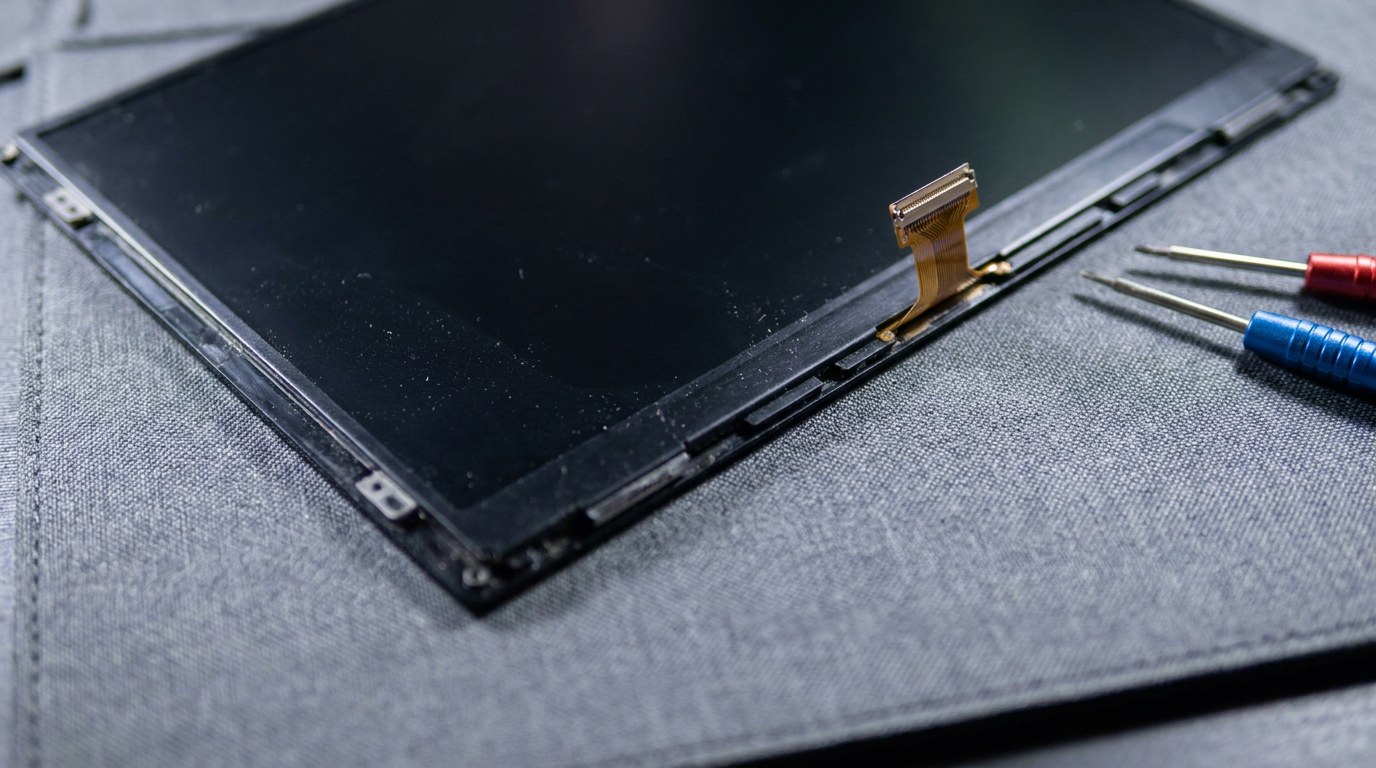
Dell describes two kinds of replacement: the panel alone, or a fuller assembly that can include the bezel, hinges or camera area. A panel is enough when the lid is intact. A bent lid or broken hinge pushes you toward the assembly, and the price rises with it.
Shop, factory or DIY: what labor adds
Labor is the second line on the bill. At Best Buy, Geek Squad repairs a computer for a $84.95 flat-rate fee plus parts, after an in-store estimate and a trip to its Geek Squad City repair facility.
That fee is refunded only in set cases. They include warranty or protection-plan coverage, parts that are unavailable, or a final cost more than 30% above the top of the store estimate, which you then decline.
| Route | What you pay | Catch |
|---|---|---|
| Do it yourself | Part price only, from the table above | Wrong part number or connector means a return; HP may charge a 15% restocking fee |
| Geek Squad (Best Buy) | $84.95 flat labor plus parts | Labor fee refunded only in set cases, such as warranty coverage or no parts available |
| Microsoft, Surface Laptop | $520 (Laptop Go 3) to $1,010 (Laptop Ultra, Laptop Studio 2) for screen or physical damage | The device may come back as a refurbished replacement |
| Apple, MacBook with AppleCare+ | $99 screen damage fee | Without a plan, Apple’s estimate tool shows no screen price and asks for an inspection |
Source: Best Buy computer repair, Microsoft out-of-warranty service cost, United States, Apple Mac laptop repair. Checked November 25, 2026.
Doing it yourself removes the labor line. Switched On Network’s walkthrough sends you to iFixit to look up your model’s guide first, because the screws and clips differ from laptop to laptop.
Surface and MacBook screens cost more to fix
Microsoft publishes a fixed US price for each Surface model. Screen or physical damage repair is $600 on a Surface Laptop 7th Edition 13.8-inch, $650 on the 15-inch and $1,010 on a Surface Laptop Ultra. US prices exclude tax.
The repaired unit may not be your unit. Microsoft says a product may be replaced with a similar Genuine Microsoft Refurbished product, and the color can change.
Apple’s standard warranty does not cover accidental damage. With AppleCare+, the MacBook screen damage fee is $99. Without a plan, Apple’s estimate tool lists other damage with no price and says it needs to inspect the Mac first.
A used MacBook Air display assembly costs $399.99 (M1) to $449.99 (2024) at iFixit, so a do-it-yourself MacBook screen is rarely cheap. iFixit sells it as a complete display assembly, not a bare panel.
Is laptop screen replacement worth it?
Compare the full quote with what a replacement laptop costs you today, then check how long laptops last for your type. For example, Geek Squad’s $84.95 labor plus the $309.99 Dell V0R3Y panel is $394.94 before tax, so price a refurbished laptop at that figure before you approve the job.
- Only the glass or panel is damaged and the lid and hinges are straight.
- The part for your exact model is in stock at a known price.
- The laptop still gets security updates and does the job you need.
- An AppleCare+ or protection plan turns the bill into a fixed fee.
- The quote is close to the price of a new or refurbished replacement.
- The only panel for your model is on back order or no longer orderable.
- The lid is bent, so you need a full display assembly, not a panel.
- The battery, keyboard or support window is also near its end.
Repair-friendly designs change the math. Framework sells a new Laptop 13 display kit for $159 or $249 on sale, and refurbished kits for $109 and $169. Our Framework Laptop review timed a display replacement on the Framework 16 at 18 minutes.
How a DIY screen swap works
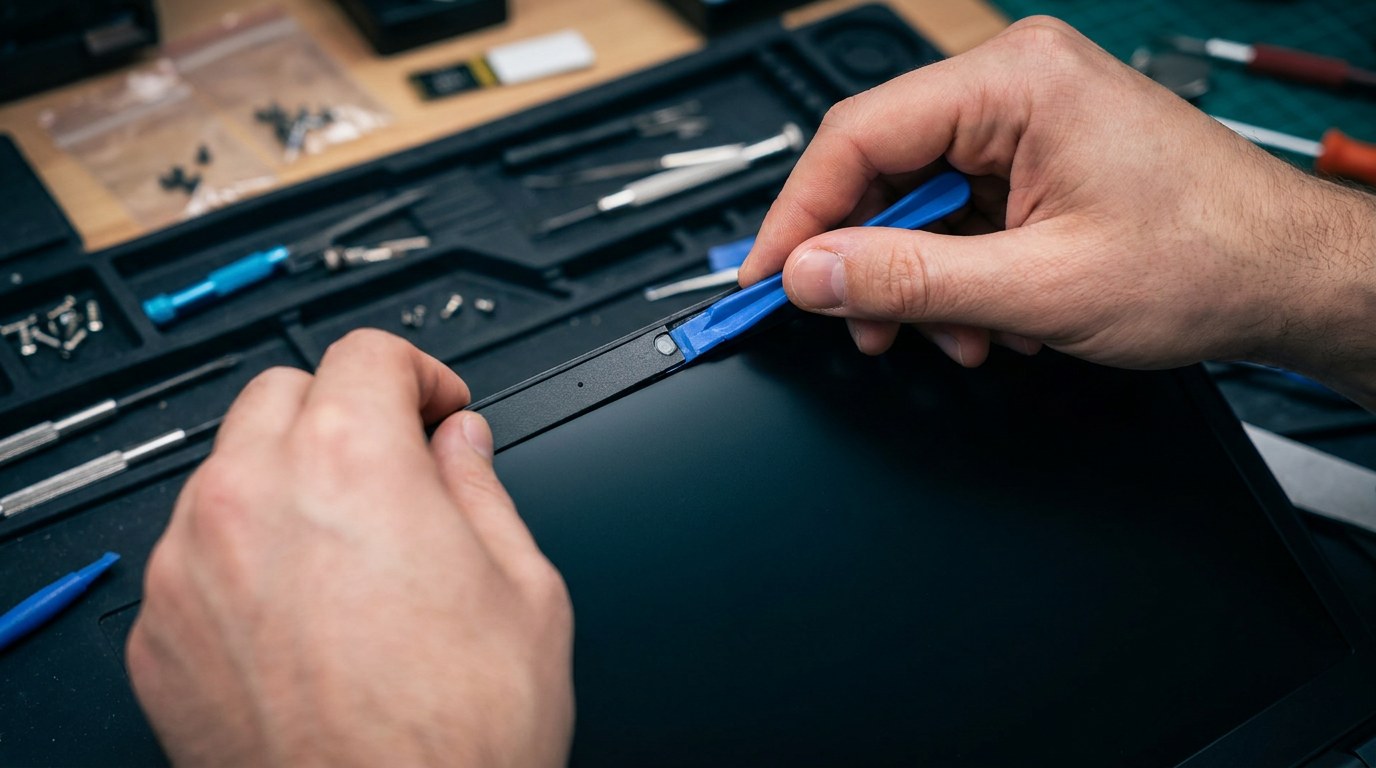
Dell’s own panel pages say the job requires removing the back cover of the system and point you to the service manual. On some models it is a bezel-and-ribbon job; on others it means taking half the laptop apart.
The Inspiron 15 3520 video shows the long version: base cover, battery, Wi-Fi card and antenna cable, both hinges, then the bezel and an adhesive-backed panel.
Warranty and parts rules that change the bill
Genuine Dell parts come with a limited one-year warranty, and Dell warns that non-Dell parts may void the system warranty. HP Parts Store accepts returns within 30 days on parts over $25, and a 15% restocking fee may apply.
Before you pay for any screen, check your coverage. A manufacturer warranty or protection plan can turn the repair into a fixed fee; read whether an extended warranty pays off before buying one for your next laptop.
Parts availability is part of the right to repair debate. Our right to repair laptop guide covers which makers sell parts and manuals to owners.
Mistakes that raise the cost
The most expensive mistake is ordering by size. Two 15.6-inch Full HD non-touch Dell panels cost $139.99 (YHDGT) and $309.99 (V0R3Y), and each fits a different laptop.
The second is buying a panel that is not orderable. HP lists one 16-inch OLED touch panel kit as “This part is not orderable”, so check stock before you open the laptop.
The third is skipping the stopgap. If the panel is cracked but the laptop works, you can connect an external monitor and keep working while you wait for parts or a quote.
Laptop screen repair questions
How much does it cost to fix a laptop screen?
For the part, $77.99 to $389.99 on the Dell HD, Full HD and touch panels checked November 25, 2026, and $579.13 to $1,396.58 for HP OLED panels. A Geek Squad repair adds $84.95 labor. Microsoft charges $520 to $1,010 for a Surface Laptop screen out of warranty.
How much does it cost to fix a laptop in general?
Geek Squad’s flat labor fee is $84.95 plus parts for any hardware repair. Microsoft’s general repair price, which excludes liquid, screen and physical damage, runs from $450 on the Surface Laptop Go 3 to $990 on the Surface Laptop Ultra, US tax excluded.
Does warranty cover a cracked laptop screen?
Usually not. Apple’s limited warranty excludes accidental damage, so a cracked MacBook screen needs AppleCare+ ($99 fee) or a paid repair. Check your maker’s warranty terms and any protection plan you bought.
Is it cheaper to replace a laptop screen yourself?
Yes, by the labor cost, if you buy the exact part number and the panel is held by screws or tape. On MacBooks the screen is a full display assembly, so the part alone is $399.99 or more at iFixit.