

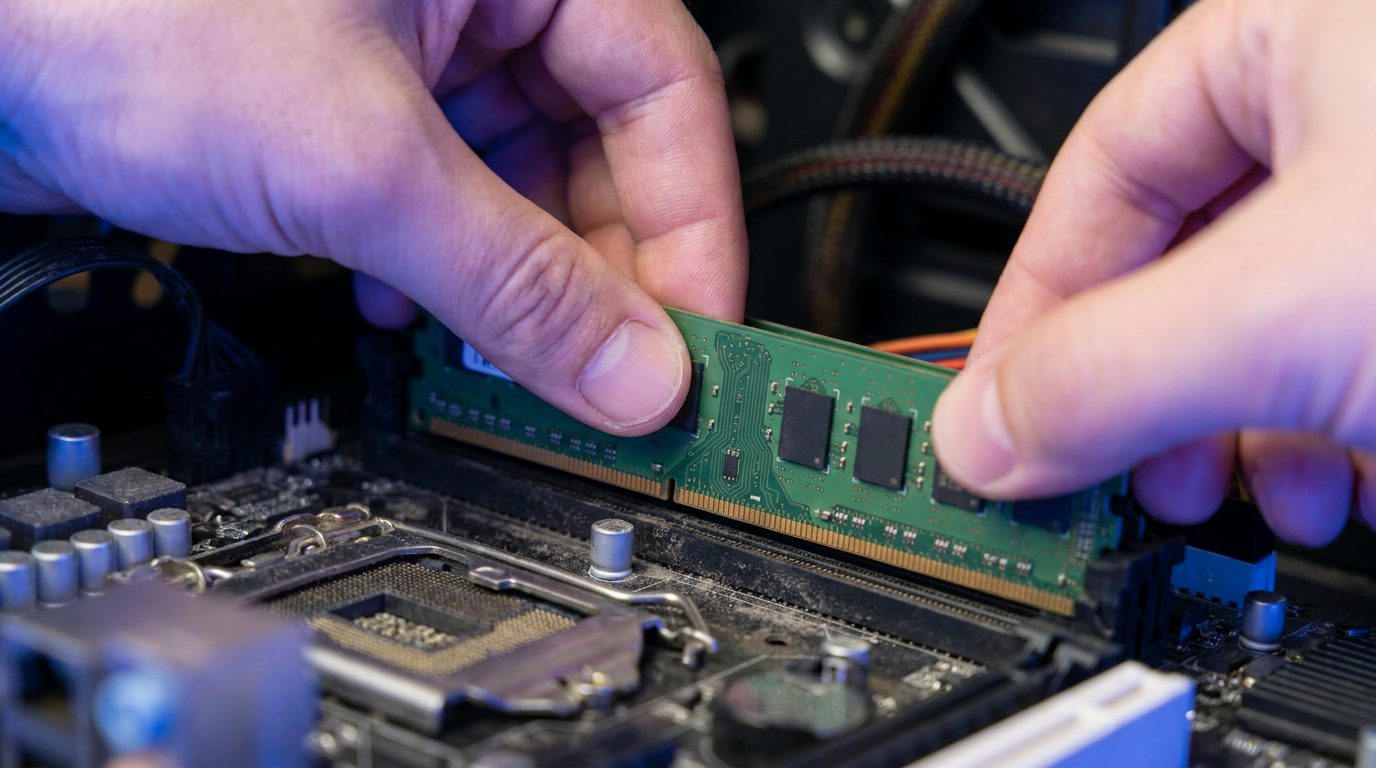
How much RAM for gaming? 16GB is enough for most PC games. Of the 18 current games we checked that publish a recommended spec, 14 ask for 16GB, 3 ask for 32GB and none asks for more.
Buy 32GB if you play Microsoft Flight Simulator 2024, Indiana Jones and the Great Circle or Kingdom Come: Deliverance II at recommended settings, or if you stream and record on the same PC. On Black Friday, November 27, 2026, the same Patriot DDR5-6000 kit cost $249.99 at 16GB and $459.99 at 32GB.
What 20 official spec sheets say about gaming RAM
We read the system requirements publishers post on Steam for 20 popular games, as they stood on November 27, 2026.
The minimums cluster high: 11 of the 20 games list 16GB as the minimum. Three ask for 12GB, four for 8GB, Apex Legends for 6GB and Dota 2 for 4GB.
The recommended tier is where 32GB shows up, and only three times. Counter-Strike 2 and Dota 2 list a minimum only, so 18 games give a recommended figure.
| Game | Publisher | Minimum RAM | Recommended RAM | What the publisher adds |
|---|---|---|---|---|
| Microsoft Flight Simulator 2024 | Xbox Game Studios | 16GB | 32GB | Recommended tier pairs with an RTX 2080 or RX 5700 XT |
| Indiana Jones and the Great Circle | Bethesda Softworks | 16GB | 32GB | Recommended tier is the High preset at 1440p, 60 fps; SSD required |
| Kingdom Come: Deliverance II | Deep Silver | 16GB | 32GB | Recommended tier pairs with an RTX 4070 or RX 7800 XT; SSD required |
| Monster Hunter Wilds | Capcom | 16GB | 16GB | Recommended tier is Medium at 1080p, 60 fps with frame generation |
| Battlefield 6 | Electronic Arts | 16GB | 16GB | TPM 2.0 and Secure Boot must be enabled |
| Starfield | Bethesda Softworks | 16GB | 16GB | SSD required |
| Hogwarts Legacy | Warner Bros. Games | 16GB | 16GB | Recommended tier is High at 1080p, 60 fps |
| Marvel Rivals | NetEase Games | 16GB | 16GB | SSD install suggested |
| Assassin’s Creed Shadows | Ubisoft | 16GB | 16GB | Must be installed on an SSD |
| Black Myth: Wukong | Game Science | 16GB | 16GB | Specs tested with DLSS, FSR or XeSS on |
| Crimson Desert Enhanced | Pearl Abyss | 16GB | 16GB | SSD required |
| Cyberpunk 2077 | CD Projekt Red | 12GB | 16GB | SSD required |
| Elden Ring | FromSoftware, Bandai Namco | 12GB | 16GB | No extra notes |
| Elden Ring Nightreign | FromSoftware, Bandai Namco | 12GB | 16GB | No extra notes |
| Baldur’s Gate 3 | Larian Studios | 8GB | 16GB | SSD required |
| Grand Theft Auto V Enhanced | Rockstar Games | 8GB | 16GB | Rockstar warns requirements change over time |
| Call of Duty (Steam listing) | Activision | 8GB | 16GB | 115GB free on an SSD at launch |
| Apex Legends | Electronic Arts | 6GB | 8GB | No RAM note |
| Counter-Strike 2 | Valve | 8GB | Not listed | Minimum spec only |
| Dota 2 | Valve | 4GB | Not listed | Minimum spec only |
Source: the publisher-supplied system requirements on each game’s Steam store page, read November 27, 2026. Requirements change with patches; check the store page before you buy.
Find your heaviest game in the table, read its recommended RAM line, and buy that capacity as a two-stick kit.
For the general picture beyond games, from office work to video editing, our guide to how much RAM you need covers 8GB through 64GB by use.
Hardware Unboxed runs 2x8GB, 2x16GB and 2x32GB kits through the same games.
Why 16GB is still the gaming default
The 16GB line matches what most players own. In Valve’s Steam Hardware Survey for October 2026, 41.27% of Steam users on Windows had 16GB, up 3.67 points in a month, and 38.18% had 32GB, down 5.10 points.
Kingston, which sells memory, calls 32GB the optimal amount for the most recent games. The publishers’ own spec sheets are more modest.
Read “recommended” carefully, because it rarely means maximum settings. Capcom’s recommended tier for Monster Hunter Wilds is Medium at 1080p, 60 fps with frame generation on, so it is a mid-range target.
When 32GB of RAM actually matters for gaming
Three games on our list put 32GB in the recommended tier, and each pairs it with a stronger graphics card.
Indiana Jones and the Great Circle wants 32GB with an RTX 3080 Ti or RX 7700 XT for High at 1440p. Kingdom Come: Deliverance II pairs it with an RTX 4070 or RX 7800 XT. Flight Simulator 2024 asks for 32GB next to an RTX 2080 or RX 5700 XT.
Streaming is the second case. Streamlabs lists 8GB as the minimum for its desktop app, and recommends 16GB or more for a streaming PC that runs resource-intensive games, animated overlays or advanced plugins. On one PC, the game and the broadcast app share the same memory.
Mods are the third. None of the 20 spec sheets mentions mods, so the figures describe the game as shipped. A long mod list or a high-resolution texture pack puts you outside anything the publisher tested.
- Your most demanding game recommends 16GB or less, which 15 of the 18 recommended specs we read do.
- You close the browser and launcher before you play.
- The $210 step to 32GB would come out of your graphics card budget.
- Task Manager shows memory well short of full while you play.
- You play Flight Simulator 2024, Indiana Jones or Kingdom Come: Deliverance II at recommended settings.
- You stream or record on the same PC that runs the game.
- You run large mod lists the publisher never tested.
- Memory sits near full in Task Manager mid-game and the game stutters.
Fill two slots, not one or four
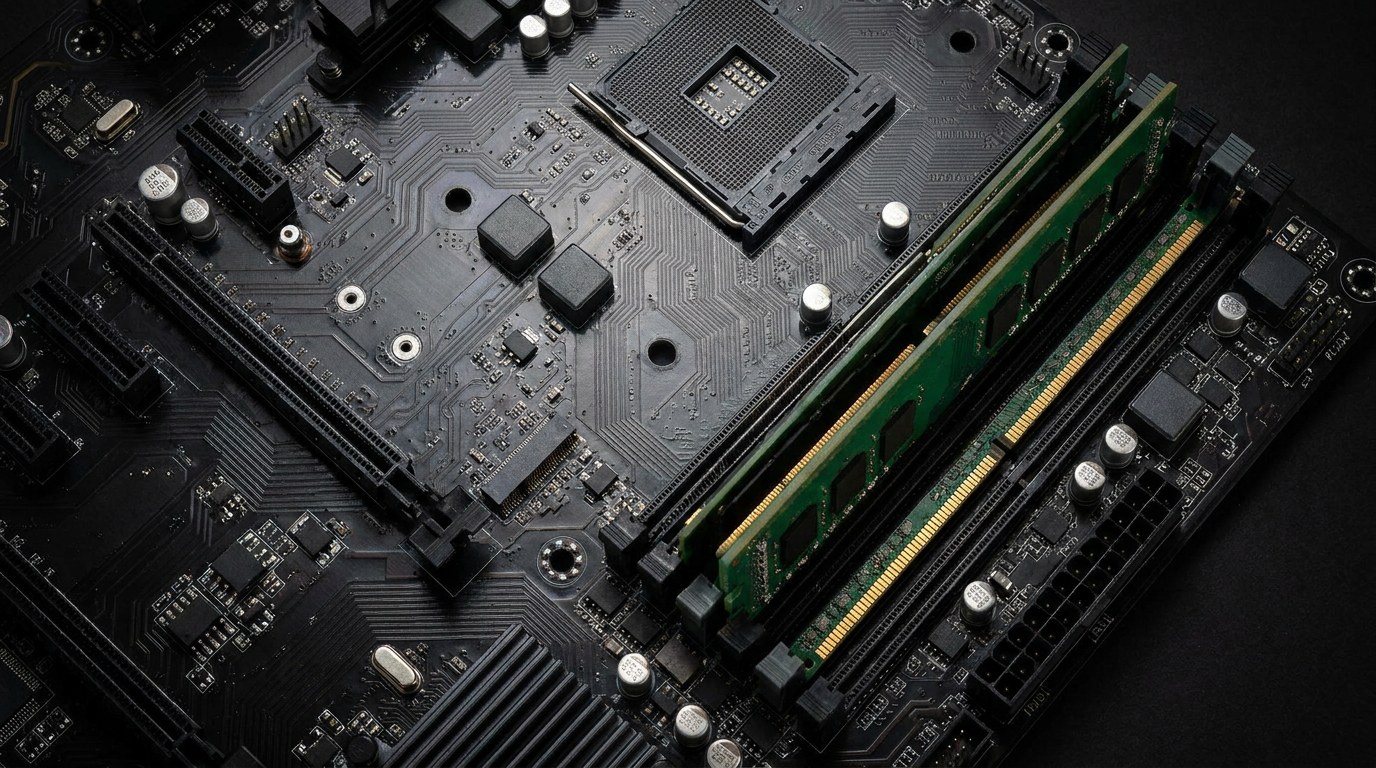
How you fill the slots matters as much as the total. Kingston, which makes memory, explains that matched modules installed in pairs combine their bandwidth: a DDR5-4800 module peaks at 38.4GB/s, and two of them in dual channel reach 76.8GB/s.
The common mistake is buying one 16GB stick to “add a second later”. It runs in single channel until you do. The opposite mistake is filling all four slots: Kingston notes that on some systems, modules in the second bank can force the memory to run at a slower speed.
Laptops add a catch: some have memory soldered to the board, so check the spec sheet before you count on an upgrade. Our laptop RAM upgrade guide walks through finding out.
What 16GB and 32GB gaming kits cost right now
On November 27, 2026, Newegg listed the Patriot Viper Venom DDR5-6000 CL36 kit at $249.99 for 16GB (2 x 8GB) and $459.99 for 32GB (2 x 16GB). Both are AMD EXPO kits from the same line, so the $210 gap is capacity alone.
The 32GB kit also showed a $40 promo code, which brings it to $419.99 while the offer runs. Black Friday listings change daily, so recheck the day you buy.
If you are pricing a whole machine, our PC build cost breakdown shows where memory sits in each budget tier. For the 32GB case in detail, see whether 32GB of DDR5 is overkill.
Kingston’s own explainer adds the failure mode: a system low on RAM caches data to the SSD or hard drive instead, which is significantly slower and can cause stuttering and frame drops.
How to check if your games need more RAM
Spec sheets show what the publisher tested. Task Manager shows what your PC does with your apps open.
If memory is close to full and the game stutters when you alt-tab back, more RAM will help. If memory has room and frame rates are still low, the graphics card or processor is the limit, and 32GB will not change it.
Gaming RAM questions
Is 16GB RAM enough for gaming?
Yes for most games. 14 of the 18 recommended specs we checked ask for 16GB, including Battlefield 6 and Cyberpunk 2077. Only Flight Simulator 2024, Indiana Jones and the Great Circle and Kingdom Come: Deliverance II ask for 32GB.
Is 32GB RAM overkill for gaming?
For gaming alone, usually, since only 3 of 18 recommended specs ask for it. It stops being overkill when you stream from the same PC, run heavy mods or play one of those three games at recommended settings.
Is 64GB RAM worth it for gaming?
Not for the games themselves: none of the 20 spec sheets asks for more than 32GB. Kingston says you might want 48GB or 64GB if you run a lot of applications in the background while you play.
Does more RAM increase FPS?
Only when the PC was running out of memory. Then it caches files to the drive, which Kingston says can cause stuttering and frame drops. With enough memory, extra capacity mostly sits idle.