

To reset BIOS to default, open the BIOS setup screen and select Load Setup Defaults or Load Optimized Defaults, then save and exit. That single menu action restores every setting your motherboard shipped with. If the menu will not load, pulling the CMOS battery or shorting the CLR_CMOS jumper does the same job at the hardware level.
People usually land here because a setting got changed by accident, a boot order looks wrong, or an overclock left the system unstable. A full reset wipes overclocks, XMP memory profiles, and any custom boot order you built, so write those down first if you tuned them on purpose.
Load Setup Defaults From the BIOS Menu
Restart the PC and press the key your motherboard shows on the first screen, usually Del, F2, or F10. If you are not sure which key applies, this guide on how to open BIOS on any Windows PC covers every common brand.
Once inside, look for an Exit tab or a Save & Exit menu. The option is labeled Load Setup Defaults on most boards, or Load Optimized Defaults on ones tuned for performance out of the box. Highlight it, confirm, then choose Save Changes and Reset.
The PC reboots with stock timings, stock voltages, and the original boot sequence. This is the safest route because it never touches the battery or the board itself.
Reset BIOS With the CMOS Battery
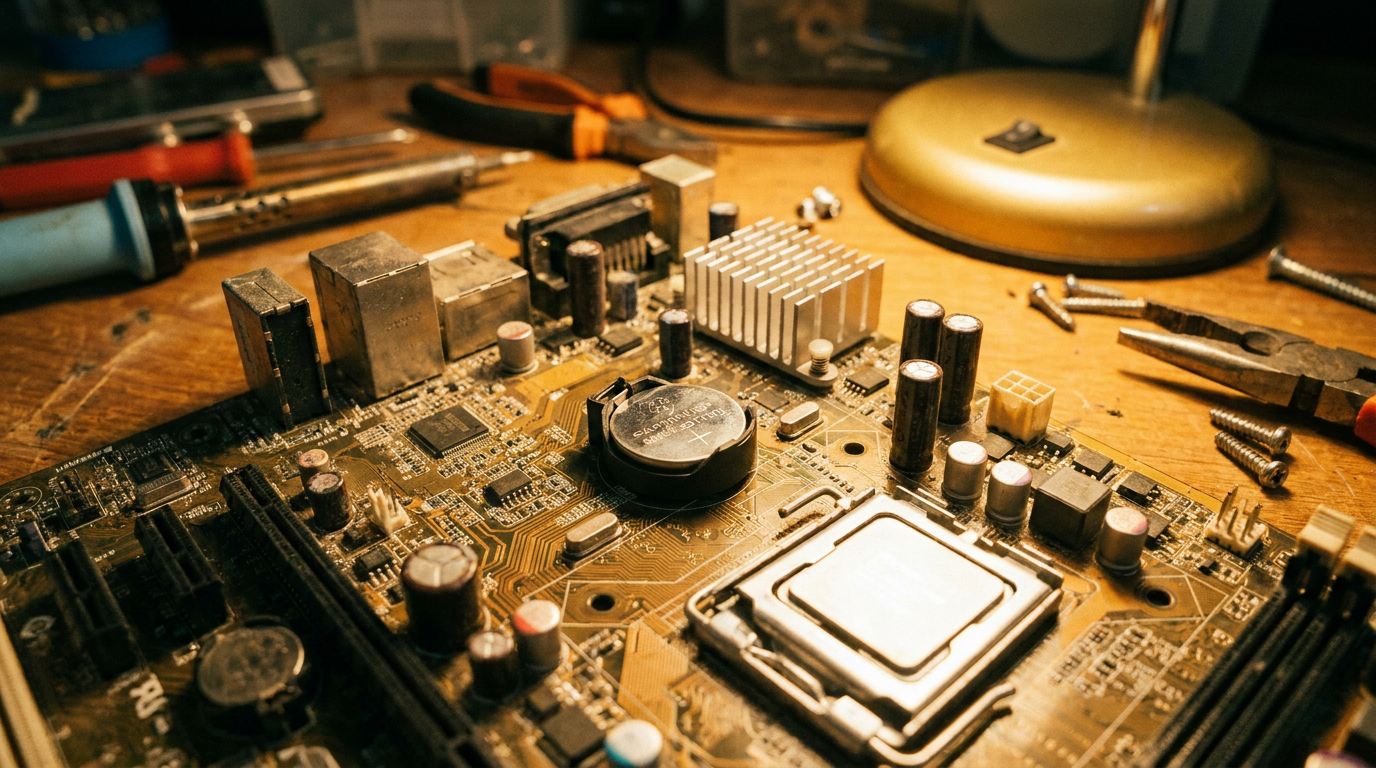
If the menu is frozen, corrupted, or you cannot see anything on screen, power down completely and unplug the machine. Open the case and find the small round CMOS battery on the motherboard, it looks like a large watch battery.
Pop it out with a plastic tool, wait about five minutes, then push it back in. That pause drains the residual charge keeping custom settings alive, since BIOS settings live on a small chip powered by that battery, not on your storage drive.
Reset BIOS Using the CLR_CMOS Jumper
Many desktop boards include a two or three pin jumper labeled CLR_CMOS near the battery. Check your motherboard manual for the exact location, since silkscreen labels vary between brands.
With the system unplugged, move the jumper cap to the clear position for about ten seconds, then return it to normal. Some boards instead include a rear I/O Clear CMOS button that does the same job without opening the case.
What Gets Wiped When You Reset BIOS
Any overclock on the CPU or memory reverts to stock. XMP or EXPO profiles turn off, so RAM drops back to its base JEDEC speed until you re-enable them manually. Custom fan curves, boot order, and Secure Boot toggles also return to factory state.
If Secure Boot matters for your setup, check how to enable Secure Boot in BIOS without breaking Windows after the reset, since it often needs to be turned back on for Windows 11 to boot cleanly.
A reset does not touch anything stored on your drives. It only affects firmware settings, so your files and programs stay exactly where they were.
When a Reset Alone Will Not Fix the Problem
Defaults solve conflicts caused by bad manual tweaks, not a board that refuses to boot for other reasons. If your PC still hangs at startup after a full reset, this walkthrough on a PC stuck on the BIOS boot screen covers the next steps.
Common Questions About Resetting BIOS
Does resetting BIOS delete my files? No. BIOS resets only affect firmware settings on the motherboard chip, never the data on your hard drive or SSD.
Will I lose my overclock after a BIOS reset? Yes. Load Optimized Defaults reverts CPU, memory, and voltage settings to stock, including XMP or EXPO profiles.
Is a CMOS reset the same as a BIOS reset? Practically yes. Clearing the CMOS erases the stored settings the same way Load Setup Defaults does, just through hardware instead of the menu.