

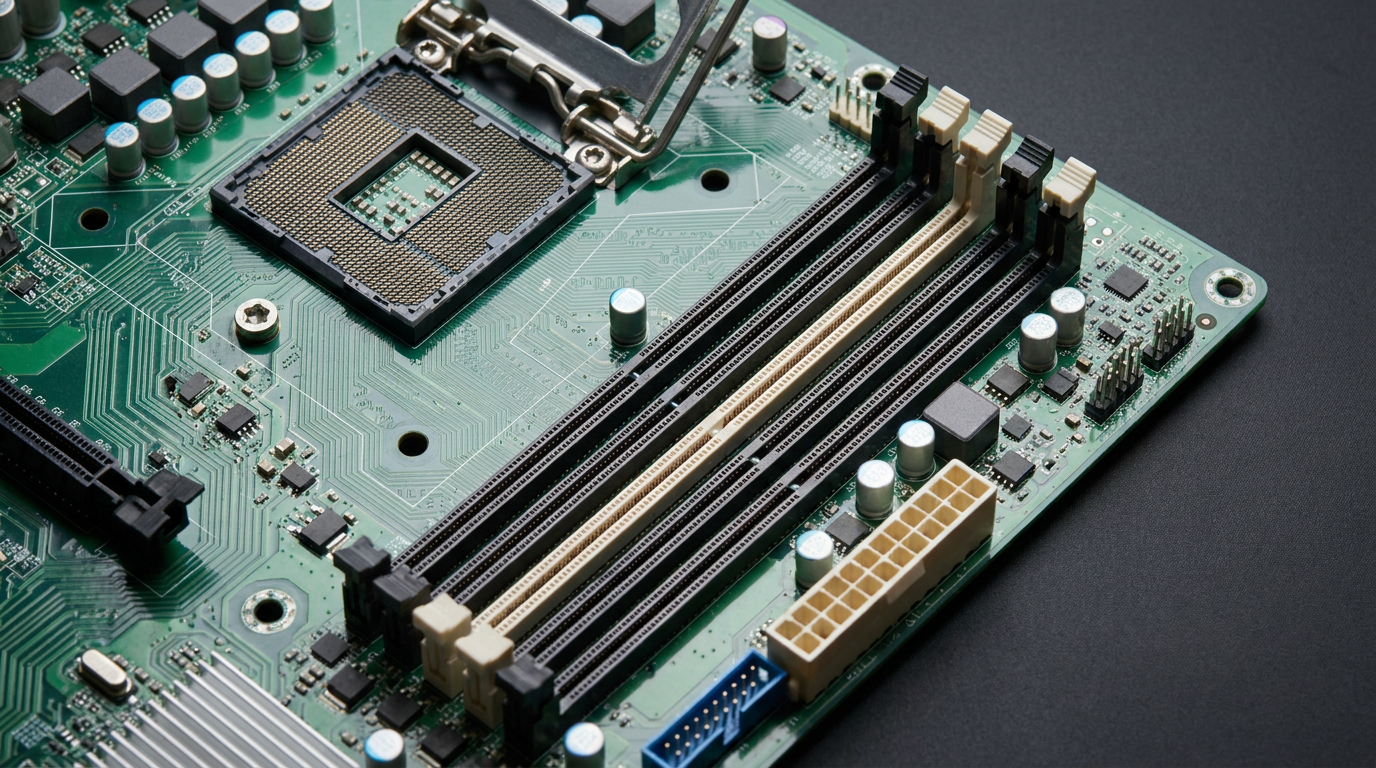
A motherboard is the main circuit board that connects your CPU, RAM, storage, and graphics card so they can talk to each other. Every part you plug into a PC has to fit through it first. That single fact decides what you can upgrade later, not the CPU, not the GPU, the board underneath them.
Buy the wrong motherboard and you cap your build before you turn it on. This guide breaks down the four specs that matter: form factor, chipset and socket, RAM slots, and PCIe lanes.
Form Factor Decides What Case and Airflow You Get
Form factor is the physical size and mounting layout of the board: ATX, Micro-ATX, or Mini-ITX. It determines which cases fit, how many expansion slots you get, and how much room exists for cooling.
A Mini-ITX board saves desk space but usually leaves one PCIe slot and two RAM slots. An ATX board gives room for multiple drives, extra fans, and a second graphics card later. Pick your case first, then match the board to it.
Chipset and Socket Set a Hard Ceiling on CPUs
The socket is the physical connector that has to match your CPU exactly, Intel and AMD use different pin layouts. The chipset next to it controls which CPU generations, how many USB ports, and how much overclocking headroom the board supports.
A budget chipset paired with a high-end CPU bottlenecks power delivery under load. A premium chipset on an old socket still cannot accept next-generation processors once the maker moves on. This is the ceiling most people hit first: a faster CPU means nothing if the socket will not physically accept it.
RAM Slots and Generation Cap Your Memory Upgrade Path
Motherboards ship with two or four RAM slots, and each board is wired for one memory generation only, DDR4 or DDR5, never both. That generation lock is permanent. You cannot drop DDR5 sticks into a DDR4 board no matter how much you want the speed bump.
Slot count matters too. A two-slot board caps you at the largest single stick size, times two. A four-slot board leaves room to double memory later without replacing anything.
PCIe Lanes Decide How Many Fast Components You Can Run at Once
PCIe lanes are the data pathways your graphics card, NVMe drives, and add-in cards share. Every board has a fixed lane count, mostly set by the CPU, split between the GPU slot and any M.2 storage slots.
Run a full-speed GPU and two NVMe drives at once and a lane-limited board quietly downgrades one of them to a slower mode. It rarely throws an error, it just shows up as unexplained slower transfer speeds. Check the board’s lane allocation table before buying if you plan to run multiple fast drives alongside a serious GPU.
Once you know which board you have, you can see whether it still leaves room to grow. Start with a firm ID using this guide on how to check what motherboard you have without opening the case, then confirm the exact revision with how to check your motherboard model in under a minute, since revision numbers change RAM compatibility on the same board name. If you need to enable a chipset feature or change boot order, how to open BIOS on Windows 11 covers all three methods.
FAQ
Does a more expensive motherboard make my PC faster?
Not directly. A pricier board adds power delivery headroom, more RAM slots, and extra PCIe lanes, but raw speed still comes from the CPU, RAM, and GPU installed on it.
Can I move my motherboard to a new case?
Yes, as long as the case supports your board’s form factor and has matching standoff holes for the screws.
Why won’t my new CPU fit my old motherboard?
The socket does not match. CPU generations change socket pin layouts every few years, so an older board cannot physically accept a newer chip even if the specs would otherwise work.