

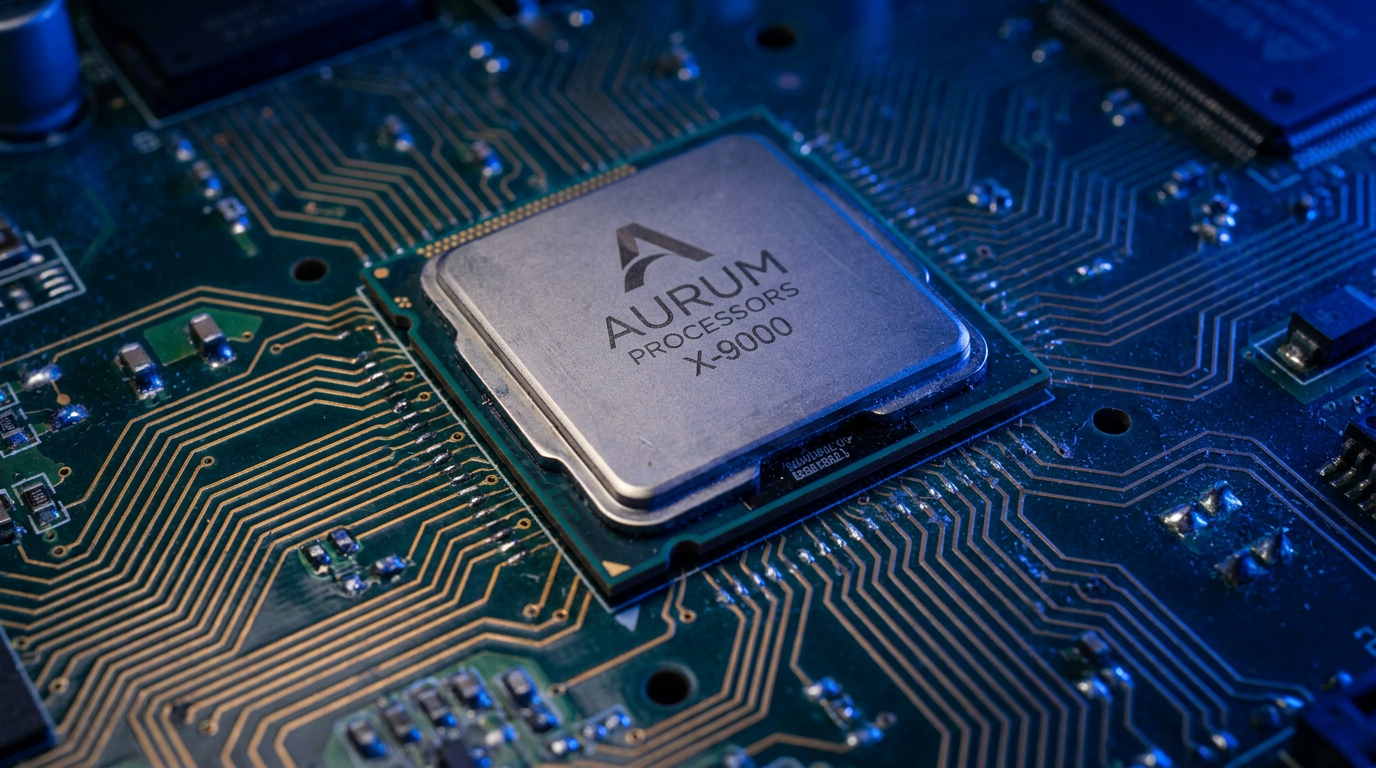
A BIOS, short for Basic Input/Output System, is the first software your computer runs when you press the power button. It lives on a small chip on the motherboard, checks that your hardware is working, and then hands control over to your operating system. Without it, your PC would not know it has a keyboard, a drive to boot from, or memory to use.
You probably only see it as a flash of text or a logo at startup. Here is what is really happening in those few seconds.
What the BIOS does the moment you power on
The instant you hit the power button, the BIOS runs a quick self-test called the POST, or Power-On Self-Test. It confirms the memory, CPU and storage are present and responding.
If something is missing or broken, the BIOS is what beeps at you or shows an error before Windows or Linux ever loads. That early warning is one of its most useful jobs.
Handing off to your operating system
Once the hardware checks out, the BIOS looks for a drive with an operating system on it and starts loading it. This is the moment your PC stops being a bare board and becomes a usable computer.
The order it checks those drives in is called the boot order, and you can change it. We cover that fully in our guide on BIOS boot order and how to change it.
BIOS versus UEFI: what changed
Most computers made in the last decade do not run a classic BIOS at all. They run UEFI, a modern replacement with a mouse-friendly interface, support for drives larger than 2TB, and faster boot times.
People still call it the BIOS out of habit, and the key on startup still gets you there. The name stuck even though the technology moved on.
When you actually need to touch it
Most of the time you never open it. You would go in to change the boot device, enable virtualisation, adjust fan behaviour, or check hardware temperatures.
If your machine feels sluggish though, the fix is usually in the operating system, not the firmware. Start with our guide on how to fix a slow laptop before you go changing settings, and keep an eye on drive wear with our SSD health check.
Frequently asked questions
What does BIOS stand for?
BIOS stands for Basic Input/Output System. It is the low-level firmware that starts your hardware and loads your operating system when you power on the computer.
Is BIOS the same as UEFI?
Not quite. UEFI is the modern successor to the classic BIOS, with a graphical interface and support for larger drives. Most people still call it the BIOS out of habit.
Can I damage my computer by entering the BIOS?
Just entering it is completely safe. You only risk problems if you change settings you do not understand, so leave options alone unless you know what they do.