

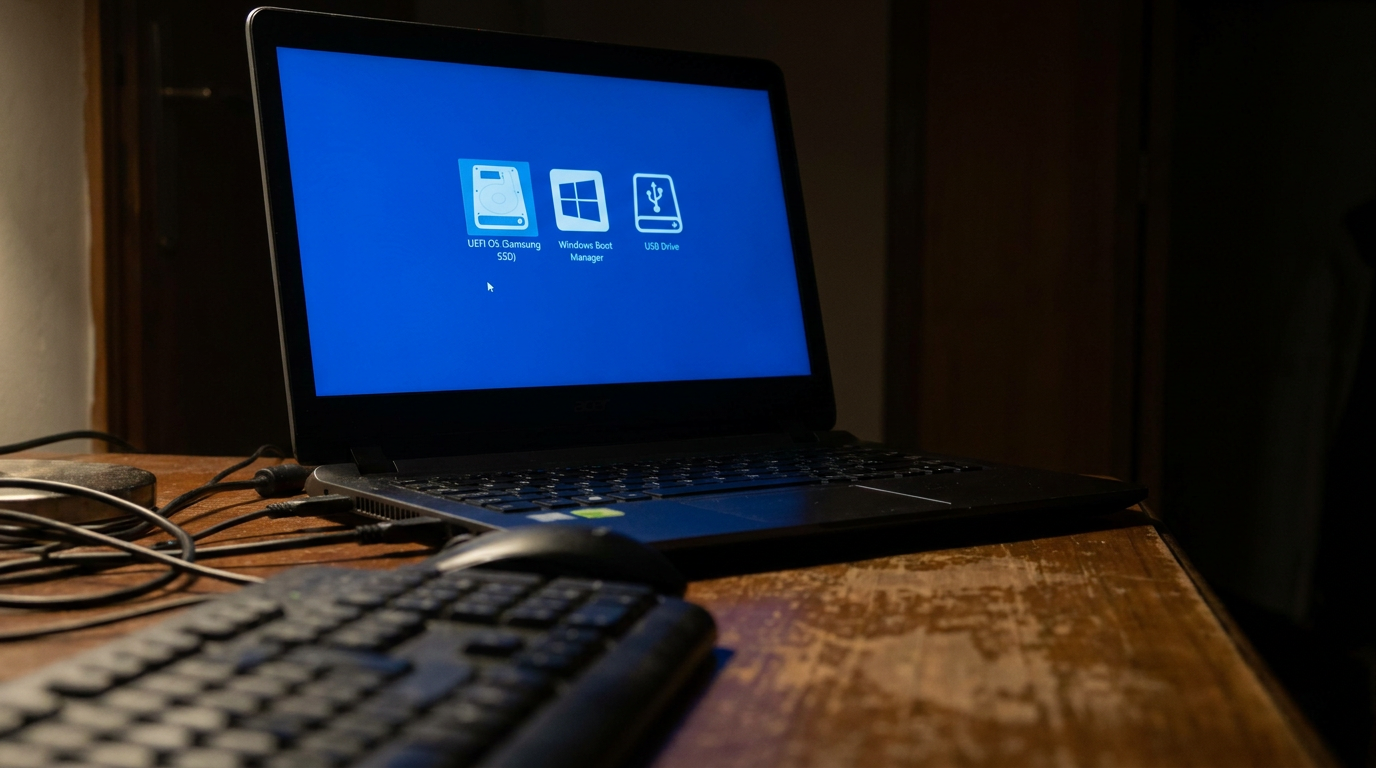
BIOS boot order is the list your computer follows when it decides which device to start from. On power-up it checks each device in turn, top to bottom, and boots from the first one that has a working operating system. Change that order and you control whether the machine starts from your main drive, a USB stick, or a network source.
This is the setting you need when installing an OS or booting a repair tool. Here is what it means and exactly how to change it.
What boot order actually controls
Think of boot order as a priority list. Your internal drive usually sits at the top, so your PC loads Windows or Linux without asking.
Put a USB drive above it, and the computer will try that stick first. That is the whole trick behind installing an operating system or running a bootable rescue tool. If the word BIOS itself is new to you, start with our explainer on what a BIOS is and what it does.
How to change the boot order step by step
Restart the computer and press the setup key as it powers on. It is usually Delete, F2, F10 or F12, and the correct key often flashes briefly on the first screen.
Inside, find the Boot menu using the arrow keys, since older interfaces do not support a mouse. Look for a list labelled Boot Priority or Boot Order.
Move your chosen device to the top using the plus and minus keys or the on-screen instructions, then save and exit, usually with F10. The machine reboots and follows your new order.
The one-time boot menu shortcut
If you only need to boot from a USB once, you do not have to change anything permanently. Many computers open a one-time boot menu if you tap F12 or Escape at startup.
Pick your device from that list and it boots just this once, leaving your normal order untouched. It is faster and safer than editing the saved settings.
When the boot order will not stick
If your changes keep resetting, the CMOS battery on the motherboard may be dead, so settings are lost at every power cut. A failing drive can also drop out of the list entirely.
Rule out the drive first with our guide on how to check your SSD health before you assume the firmware is at fault.
Frequently asked questions
What is BIOS boot order in simple terms?
It is the ordered list of devices your computer tries to start from. The PC boots from the first device in the list that contains a working operating system.
How do I boot from a USB drive?
Either move the USB device to the top of the boot order in the BIOS, or use the one-time boot menu, usually opened with F12 or Escape at startup, and select the USB drive.
Why does my boot order keep resetting?
The most common cause is a dead CMOS battery on the motherboard, which stops the BIOS from saving settings. Replacing that small coin cell usually fixes it.