

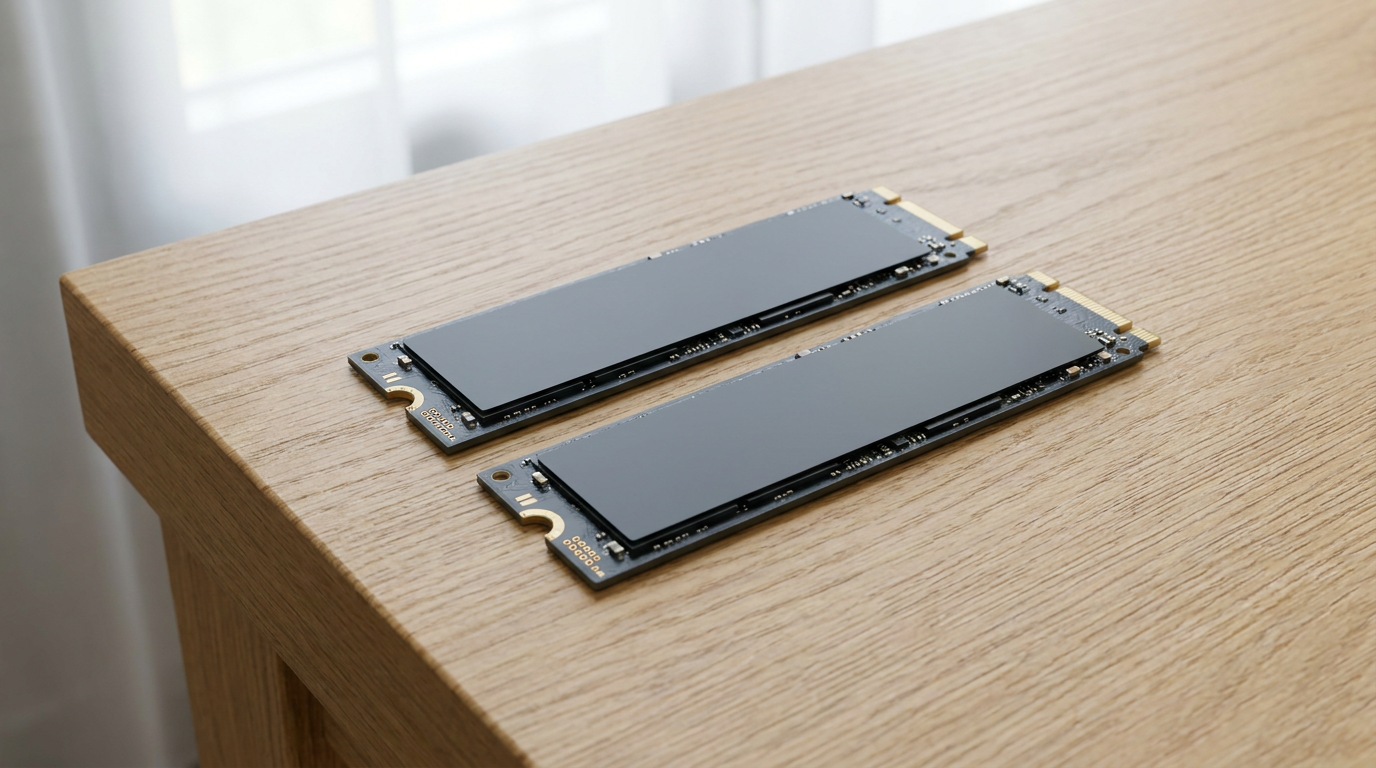
A 2TB SSD covers most everyday users for years. A 4TB SSD only earns its higher price when your workload actually fills the extra room, think large game libraries, 4K video projects, or a growing archive of RAW photos. The right pick depends on what you store, not on chasing the bigger number on the box. Read through the use cases below and you will know exactly which capacity fits your setup.
Why 2TB Is Still the Sweet Spot for Most Builds
If your day-to-day is browsing, office work, a handful of installed games, and a normal photo library, 2TB gives you comfortable breathing room without wasted spend. Most people never touch the last few hundred gigabytes on a drive this size.
Before you decide you need more room, it helps to know how full your current drive actually is. A quick look at how to check if your drive is an SSD or HDD also shows you how to read the used-versus-free split on whatever storage you already have.
When 4TB Starts Making Sense
Video editors working in 4K, streamers keeping full VOD archives, and gamers who install a dozen modern AAA titles without ever uninstalling anything all chew through storage fast. For these workloads, 4TB removes the constant cycle of deleting old files to make room for new ones.
The same logic applies to anyone running a home server or storing large project files for work. Once you are managing space every week, that is your signal to size up.
Per-Gigabyte Cost: What Actually Tends to Happen
Per-gigabyte cost on SSD capacities tends to favor the larger drive, since manufacturing overhead gets spread across more storage. That said, the exact gap shifts with market pricing and drive generation, so compare current listings rather than assuming a fixed ratio.
What stays consistent is the buying logic: paying a premium for capacity you will never fill is wasted money, while paying slightly more per gigabyte for a 4TB drive you actually need beats buying a second drive later and juggling two volumes.
Gaming Libraries and Video Files Change the Math Fast
Modern AAA titles routinely eat tens of gigabytes each, and a library of ten or fifteen installed games can quietly swallow a full terabyte. If you install and keep everything rather than rotating titles in and out, 2TB fills up faster than expected.
Video work is even less forgiving. Raw 4K footage and render caches stack up quickly, and editors often find themselves shuffling files to external drives within months on a smaller NVMe SSD. If that sounds like your workflow, size up now.
Running Out of Space Costs You Speed, Not Just Room
An SSD that stays close to full loses some of its performance headroom, since the drive has less free space to manage writes efficiently. If your machine already feels sluggish, confirm the drive itself is not the bottleneck before blaming capacity alone.
Our guide on how to check SSD speed and know if it’s underperforming walks through exactly how to test that, so you upgrade for the right reason.
Frequently Asked Questions
Is a 4TB SSD worth it for gaming? Only if you keep a large library installed at once. Casual gamers with a handful of titles rarely need more than 2TB, while anyone holding ten-plus modern games benefits from the extra room.
Does a bigger SSD make my computer faster? Not directly. Capacity affects how much you can store and how much free space stays available for efficient writes. Read and write speed depends on the drive’s interface and controller, not its size.
Should I buy 4TB now to avoid upgrading later? Only if your usage already points that way, heavy video editing, large game libraries, or server-style storage. If you are unsure how much space you currently use, buying on guesswork usually means overpaying.