

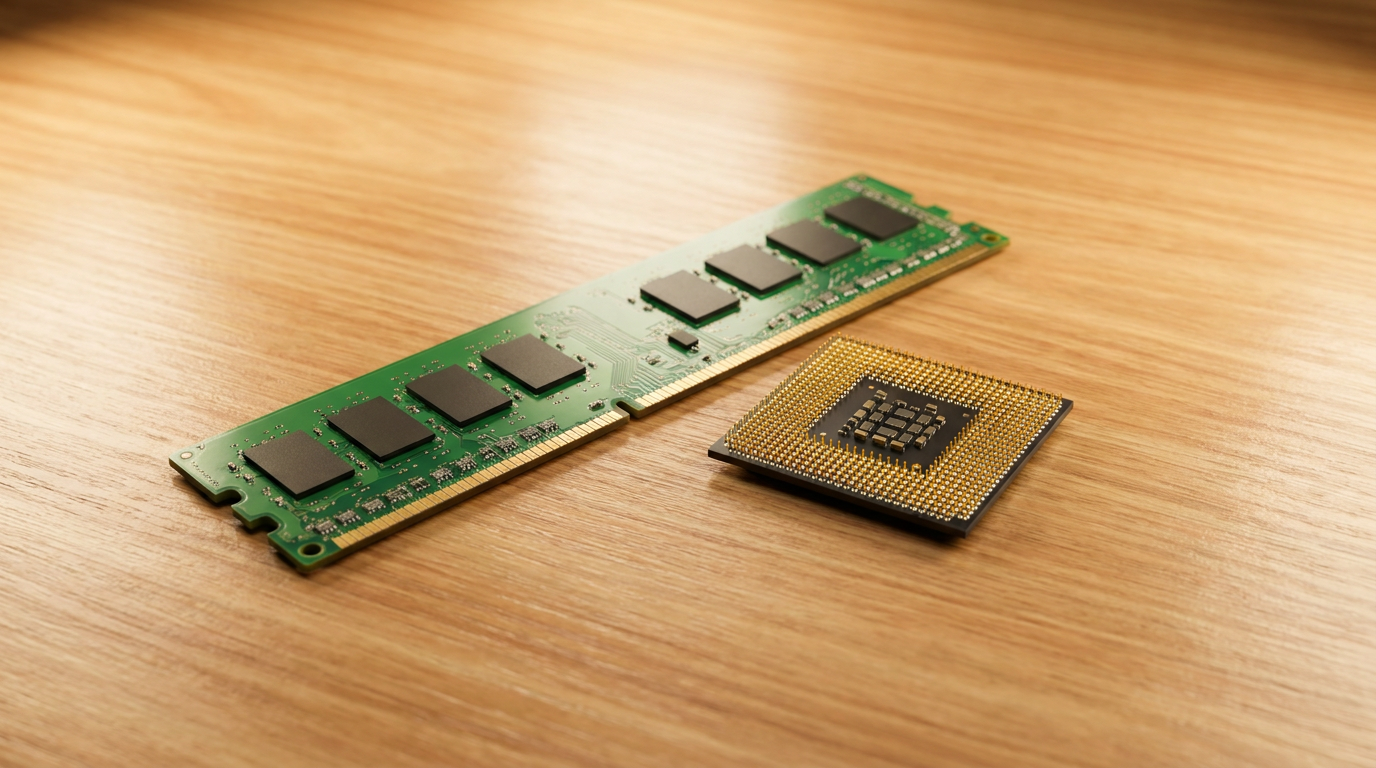
RAM is your desk. ROM is the instruction book bolted to the wall behind it. You clear the desk every night, but the book stays put no matter what happens in the room. That single distinction, temporary workspace versus permanent instructions, explains almost everything you need to know about the difference between RAM and ROM.
RAM Is Volatile, ROM Is Not
RAM, short for random access memory, loses everything the instant power cuts out. Close your laptop lid wrong or yank the plug during a crash and whatever was sitting in RAM is gone.
ROM, or read-only memory, holds its contents with the power off. It stores the startup instructions your machine needs before an operating system has even loaded, the same way a BIOS chip keeps its firmware intact through every reboot and every power outage.
What Each One Actually Does While You Work
Think of RAM as scratch paper for a task you’re doing right now. Open a browser tab, edit a photo, run a game, and your RAM holds all the active data your CPU needs within reach, because pulling it from storage every time would be painfully slow.
ROM does none of that daily juggling. It holds a small, fixed set of instructions written once, usually at the factory, that rarely if ever changes after the device ships.
Read and Write Speed Versus Read Mostly
RAM is built for constant read and write cycles. Your system rewrites it thousands of times a second as you switch apps, load files, and multitask.
Classic ROM was locked at manufacture, no writing at all after the fact. Modern variants like EEPROM and flash-based ROM allow occasional rewrites, but nowhere near the pace RAM handles, which is why firmware updates feel rare and deliberate rather than constant.
Why More RAM Speeds Up Your PC and More ROM Does Not
Upgrading RAM gives your motherboard more room to juggle open programs without swapping data to slower storage, which is the real reason a RAM upgrade makes a sluggish computer feel responsive again.
ROM capacity barely matters to everyday speed. It only needs enough space for the fixed startup code it was built to hold, nothing more.
Where RAM and ROM Live Inside a Computer
RAM sits on removable sticks that plug into slots on the motherboard, easy to swap or add to when you want more multitasking headroom.
ROM chips are typically soldered directly onto the motherboard or built into a controller, since nobody needs to swap out startup firmware the way they swap RAM sticks or upgrade an SSD for more storage.
Frequently Asked Questions
Does more RAM mean faster storage? No. RAM speeds up multitasking and active programs, while storage speed depends on your drive, an SSD or NVMe drive, not on how much RAM you have installed.
Can you lose data stored in ROM? Rarely. ROM is built to survive power loss, though physical damage or a failed firmware update can still corrupt it in unusual cases.
Is RAM the same as storage space? No. RAM is temporary working memory that clears on shutdown, while storage, whether an SSD or hard drive, keeps your files and installed programs permanently.