

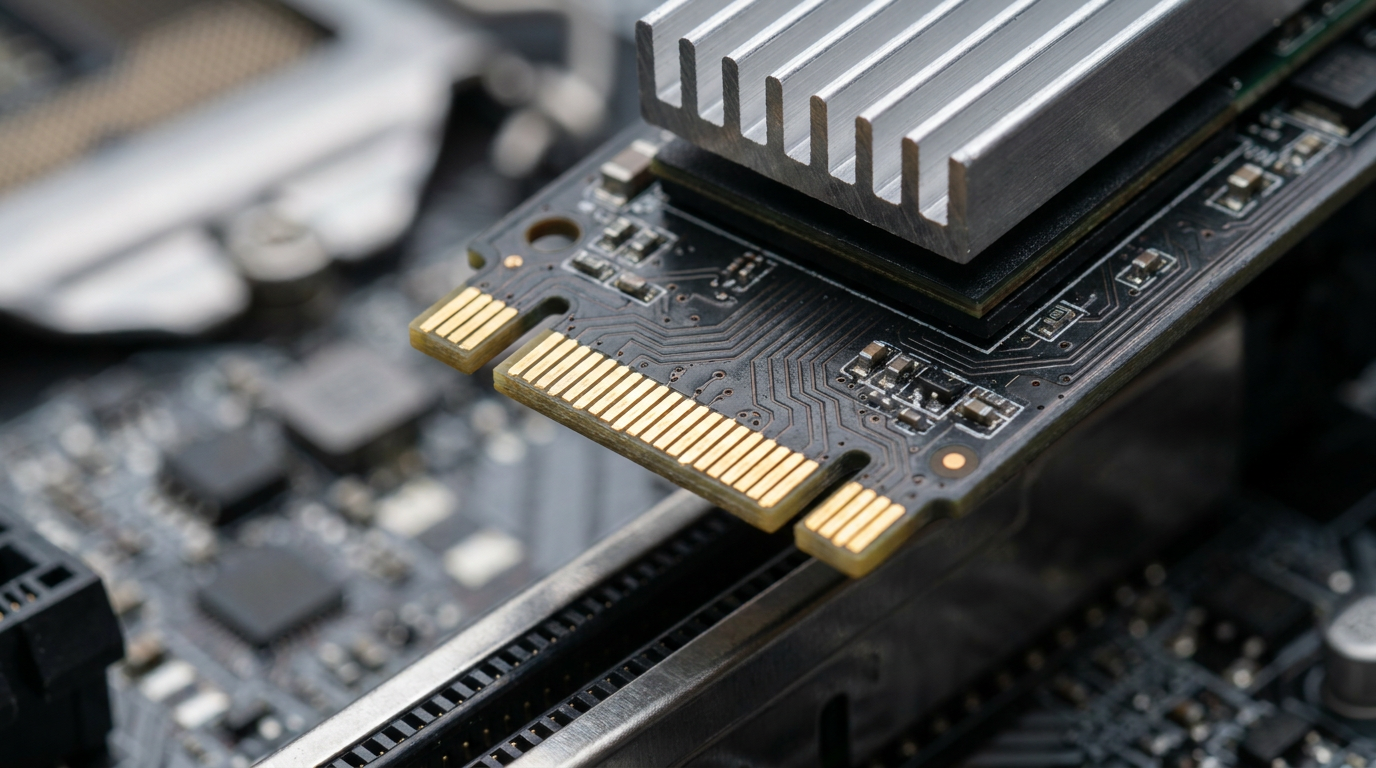
A PCIe SSD connects to your motherboard through the PCI Express bus instead of the older SATA cable, which is why it moves data several times faster. That single wiring difference is also why “PCIe,” “NVMe,” and “M.2” get used almost interchangeably online, even though each word describes a different part of the drive.
If you’re staring at a listing trying to figure out what you’re actually buying, the confusion is understandable. Here’s how the terms actually break down, and why it matters for your build.
PCIe vs SATA: The Real Interface Difference
SATA III tops out around 6 Gbps of interface bandwidth, a ceiling set back when the standard was built for spinning hard drives. A PCIe SSD skips that bottleneck entirely by talking straight to the CPU through PCI Express lanes, the same highway your graphics card uses.
More lanes and newer PCIe generations mean more raw bandwidth available to the drive. That’s the entire reason PCIe-based storage exists: SATA was never designed for flash memory’s actual speed ceiling.
Where NVMe Fits Into the Confusion
NVMe is not a physical connector. It’s the communication protocol that PCIe SSDs use to talk to your operating system, replacing the older AHCI protocol that SATA drives rely on.
Think of PCIe as the road and NVMe as the traffic rules built for drives fast enough to need them. You can read a deeper breakdown of how these two compare directly in our NVMe vs SSD guide, which focuses on the protocol side of this same naming tangle.
M.2 Is a Shape, Not a Speed
M.2 describes the physical slot and stick-of-gum form factor, nothing else. An M.2 slot can carry a SATA-protocol drive or a PCIe/NVMe drive depending on how the motherboard wired that specific slot.
This is where most buyers get tripped up. Two M.2 drives can look identical and still run at completely different speeds because one uses SATA electrically and the other uses PCIe.
How to Tell Which One You Actually Have
Check your drive’s listed interface in Windows Device Manager or a tool like CrystalDiskInfo, which will show SATA or NVMe directly under the drive name. If you’re troubleshooting sluggish transfers rather than shopping, our guide to checking SSD speed walks through confirming what protocol your current drive is actually running.
Your motherboard manual will also specify which M.2 slots support PCIe/NVMe and which are wired for SATA only. Not every slot on a board supports both.
Do You Actually Need PCIe Speed
Loading your OS, launching games, and everyday file transfers benefit from PCIe SSDs, but the gap feels smaller once Windows and apps are already cached in RAM. Where PCIe genuinely earns its keep is large sequential transfers: exporting video, moving big game installs, or working with large datasets.
If capacity matters more than raw throughput for your use case, our 2TB vs 4TB SSD comparison covers the buying decision from the storage-size angle instead.
Frequently Asked Questions
Is a PCIe SSD the same as an NVMe SSD?
Almost always in current listings, since nearly every PCIe SSD sold today uses the NVMe protocol. Technically PCIe is the physical/electrical connection and NVMe is the protocol riding on top of it, but retailers use the terms together.
Can I put a PCIe SSD in a SATA-only M.2 slot?
No. The drive will either fail to be detected or run at severely reduced speed, depending on the motherboard. Check your manual before buying.
Does a PCIe SSD run hotter than a SATA SSD?
Generally yes, because the higher throughput generates more heat under sustained load. Many PCIe SSDs ship with or recommend a heatsink for exactly this reason.