

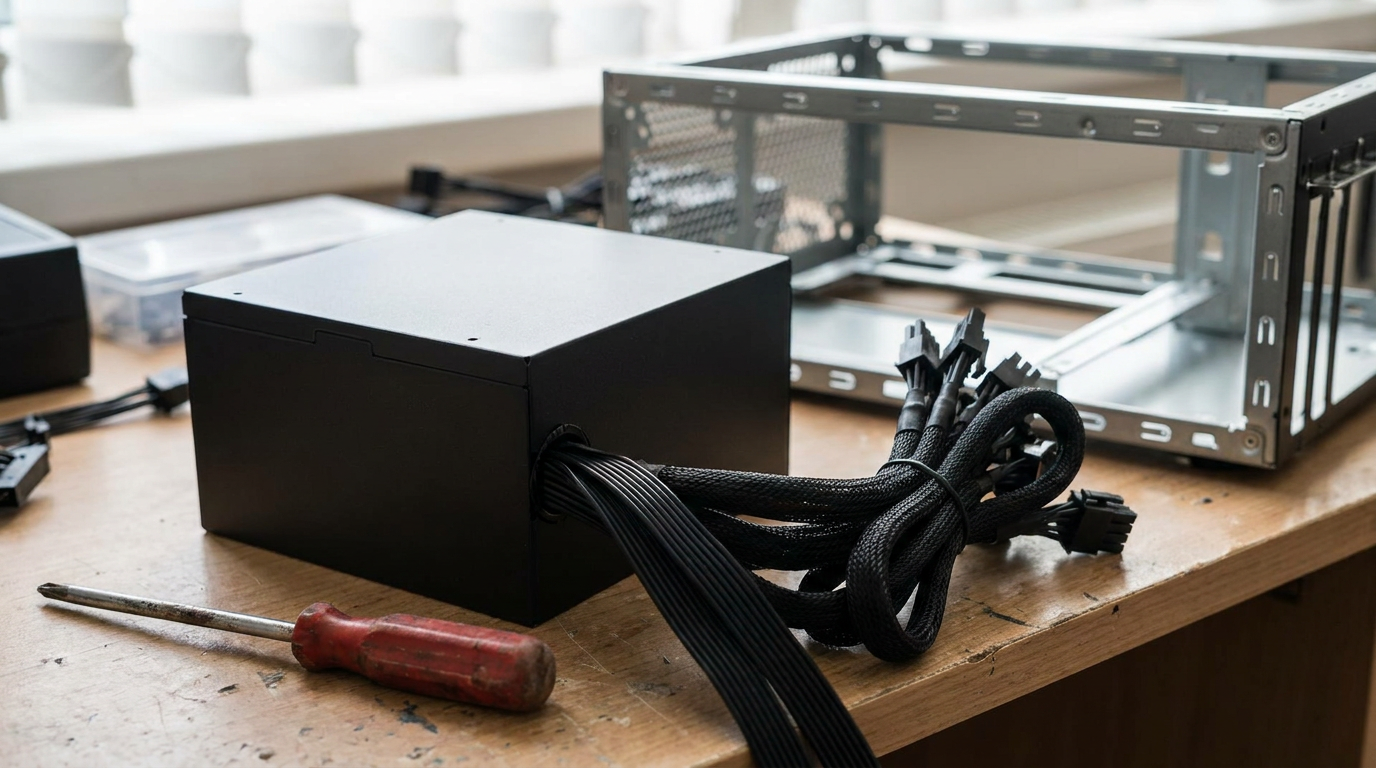
A PC wattage calculator adds up what each part can draw at full load. A Ryzen 5 7600X and RTX 5060 build comes to about 310 W, an RTX 5070 build to about 417 W, and a Core i7-14700K with an RTX 5080 to about 684 W.
Put your own parts in below, and it also suggests a power supply and a yearly electricity cost.
How many watts a computer uses, part by part
The graphics card and the processor do almost all of the drawing. Drives and fans add only a few watts each, and the table shows how few.
| Part | Model | Maker figure | Source |
|---|---|---|---|
| Processor | AMD Ryzen 5 7600X | 105 W default TDP | AMD |
| Processor | AMD Ryzen 7 9800X3D | 120 W default TDP | AMD |
| Processor | Intel Core i7-14700K | 125 W base power, 253 W maximum turbo power | Intel |
| Graphics card | GeForce RTX 5060 / 5060 Ti | 145 W / 180 W; 550 W / 600 W system power | NVIDIA |
| Graphics card | GeForce RTX 5070 / 5070 Ti | 250 W / 300 W; 650 W / 750 W system power | NVIDIA |
| Graphics card | GeForce RTX 5080 | 360 W; 850 W system power | NVIDIA |
| Graphics card | Radeon RX 9060 XT | 160 W typical board power; 450 W minimum PSU | AMD |
| NVMe SSD | Samsung 990 EVO Plus 1TB / 4TB | 4.3 W / 5.5 W average active read; 60 mW idle | Samsung |
| Hard drive | Seagate BarraCuda 8TB | 5.3 W typical operating; 0.25 W standby | Seagate |
| Case fan | Noctua NF-A12x25 PWM | 1.68 W maximum, 1.2 W typical | Noctua |
Source: manufacturer spec pages and data sheets linked in each row, checked November 18, 2026. NVIDIA bases its system power figure on a PC with a Ryzen 9 9950X. The fan and drive rows are single models we picked as examples.
Read the processor rows carefully. Intel lists the Core i7-14700K at 125 W base power and 253 W maximum turbo power, a gap of 128 W. Our calculator uses the turbo figure, because that is what the chip can pull when the board lets it.
AMD publishes a default TDP instead, 105 W for the Ryzen 5 7600X. That is a thermal design figure, so treat it as a working estimate rather than a hard ceiling.
How the calculator gets from parts to a power supply size
The sum of the parts is your full-load estimate. The calculator adds 40% headroom and rounds up to a common size: 450, 550, 650, 750, 850 or 1,000 W. The 40% is our own rule, not a standard.
The board, memory and USB allowance defaults to 50 W, also our own estimate rather than a maker figure.
TechteamGB explains why that headroom matters. Graphics cards can draw a short current spike when a game starts rendering, and a power supply sized too tightly can trip its overcurrent protection and shut the PC off.
The calculator then compares its answer with the graphics card maker's system power figure and shows the larger one. NVIDIA asks for 650 W with an RTX 5070 and 850 W with an RTX 5080, based on a PC with a Ryzen 9 9950X. Our RTX 5070 review covers the card itself.
What a gaming PC costs to run each year
The yearly cost is watts times hours times your price. The EIA's Electric Power Monthly puts the US average residential price at 18.16 cents per kWh for August 2026, up from 17.57 cents a year earlier.
At 417 W for four hours a day, that is about 609 kWh and $111 a year. The calculator uses the same formula with your hours and your price from your bill.
That $111 is a full-load estimate. Games do not always hold both chips at their rated limits. TechteamGB measured an RTX 4080 Super, a 320 W card, at around 200 W in Hitman 3 on medium settings.
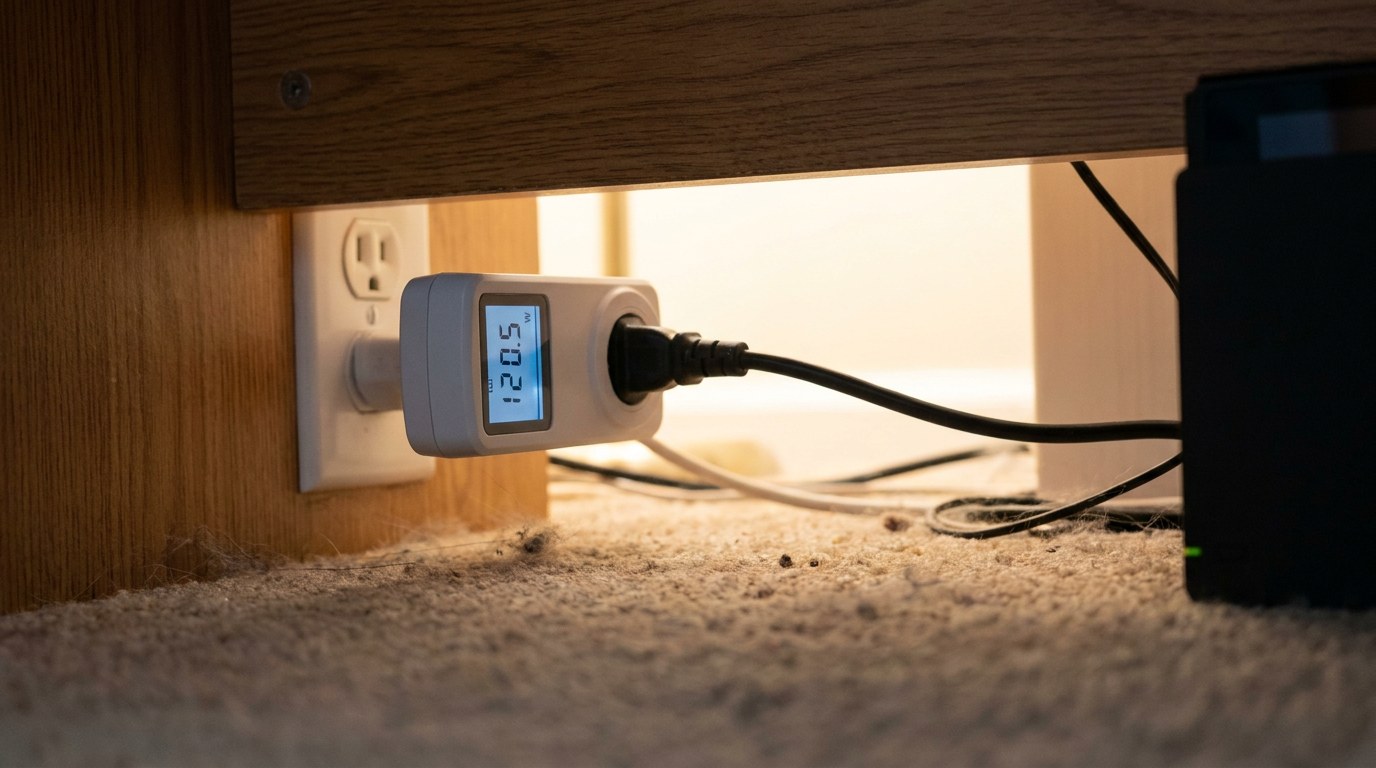
To see your real figure, a plug-in meter between the wall and the PC is the honest test. It counts what the power supply wastes as heat too, which no parts list includes.
Choosing a power supply, and when yours is enough
A bigger power supply does not make the PC draw more. The parts decide the draw; the label only says how much the unit can safely deliver.
- Its label meets the graphics card maker's system power figure.
- The calculator puts your full load well under its rating.
- It has the power connectors your new card needs, without a chain of adapters.
- The PC never shuts off by itself in heavy games.
- You move to a card whose system power figure is above your label, such as 650 W to 850 W.
- The PC turns off under load but runs fine on the desktop.
- Your full-load estimate sits close to the rating with no headroom left.
- The unit is old enough that you no longer trust it. Test it first.
Before you replace a unit that is acting up, test a power supply without a multimeter or test it with a multimeter. A failing supply and an undersized one can both shut a PC down, and only one of them is fixed by buying more watts.
Mistakes that give the wrong wattage
Adding up TDP numbers and stopping there is the most common one. For Intel chips, the turbo figure can be twice the base figure, as the 14700K shows.
The second is reading the power supply label as your usage. A 1,000 W unit in a 417 W PC still only feeds about 417 W at full load, plus its own losses.
Third, many people forget the second drive and the extra fans, then blame the calculator. Those parts are small, so leaving them out rarely changes the PSU size, but count them anyway.
Last, do not size for a card you might buy in three years. Buy for the system you are building now and the card maker's figure for it. Our guide to how much it costs to build a PC has current part prices.
Computer Surgeon walks through a free spreadsheet for running costs and uses a UK tariff of about 30 cents per kWh as his example. Swap in your own US price per kWh from your bill, because the formula is the same.
If you are still choosing a format, our gaming laptop vs desktop comparison sets running costs against the other trade-offs.
Common questions about PC wattage
How many watts does a gaming PC use?
At full load, our three example builds come to about 310 W, 417 W and 684 W from maker figures. Most of that is the graphics card. In real games the draw can be lower. TechteamGB saw a 320 W card at around 200 W in one game.
How much electricity does a gaming PC use in a month?
An RTX 5070 build at 417 W for four hours a day uses about 609 kWh a year, or roughly 51 kWh a month. At the US average of 18.16 cents per kWh, that is about $9 a month at full load.
Is a 650 W power supply enough?
For an RTX 5070 or an RTX 5060 Ti build, yes, by NVIDIA's own system power figures of 650 W and 600 W. For an RTX 5070 Ti, NVIDIA asks for 750 W, and for an RTX 5080, 850 W.
Does a higher wattage power supply use more electricity?
No. A PC draws what its parts need, whatever the label says. An oversized unit mostly costs you more when you buy it, so pick the size the calculator and the card maker point to.